
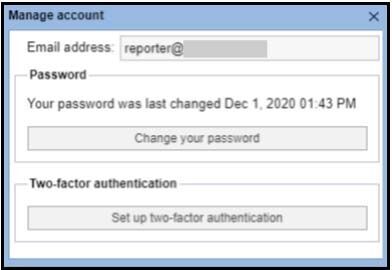
To enable two-factor authentication on a BLOX CMS admin account, you must log into their account, and go to the user options in the top-right corner of the admin, and then click on “Account.”
Looking for Something?
Thank you for visiting the new help.townnews.com!
While we put the finishing touches on our new help site our legacy documentation project will continue to be available at the following link.
Interested in learning more about our products?
We have a lot to talk about!
Click the link below to engage one of our team members and coordinate a product demo call to discuss how BLOX can help achieve your business goals.