


If you are looking to place content outside of your normal paywall, you can provide an exception.
- Open your Subscription application
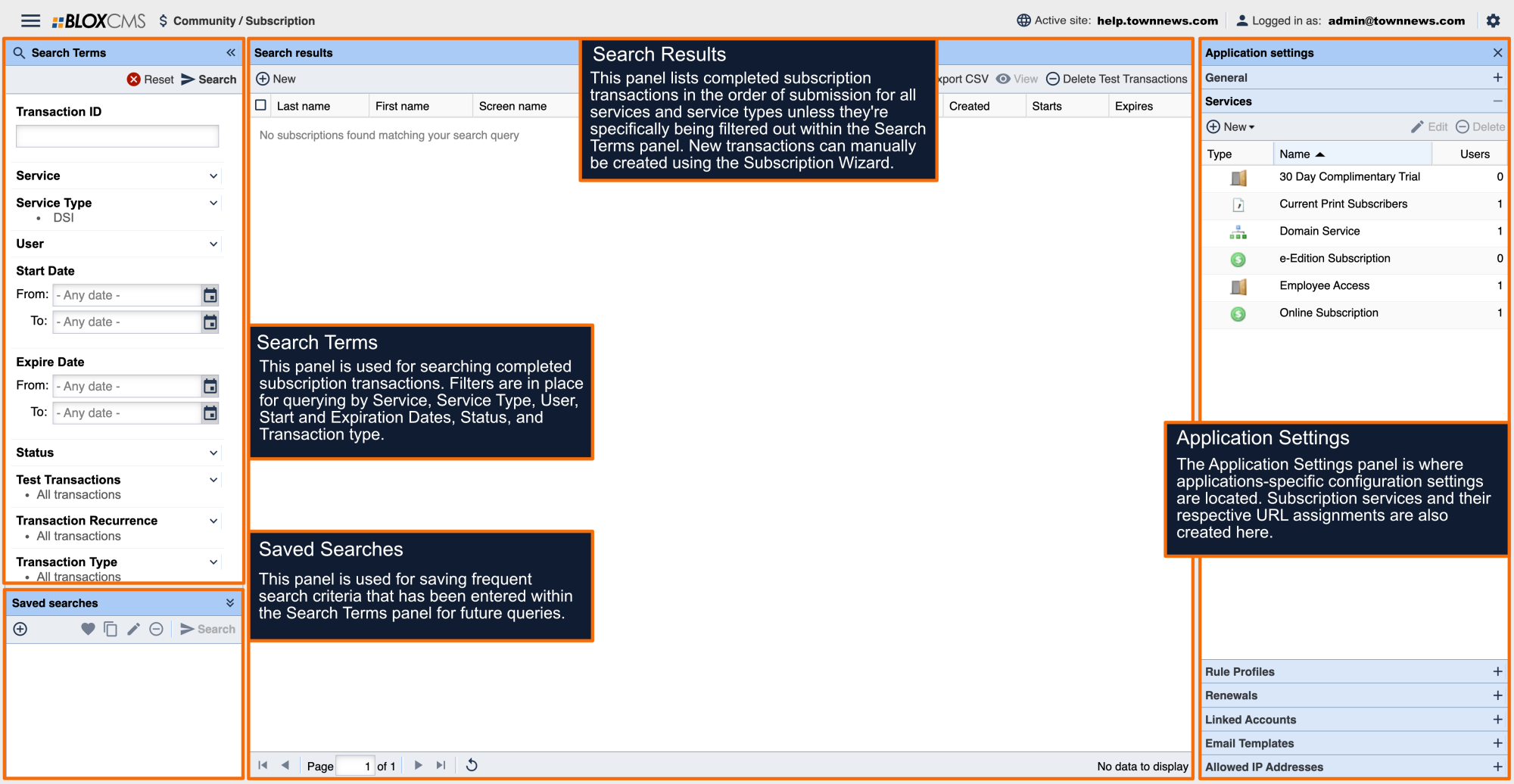
- Click on the cog in the upper right-hand corner and open the Application Settings panel
- Click on Rule Profiles
- Choose the Rule Profile you wish to make a change to
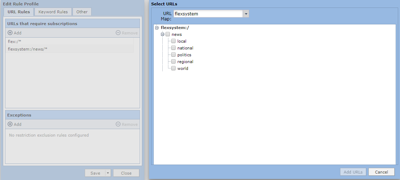
- At the bottom of the first tab under Exceptions click Add. This will open your site's URL tree.
- From the list select the checkboxes next to the sections you wish to place outside your paywall.
- Click Add URLs
- When you return to the previous screen, Save and Close.
