To configure a subscription service custom property you need to have Subscription software installed on your site and proper access.
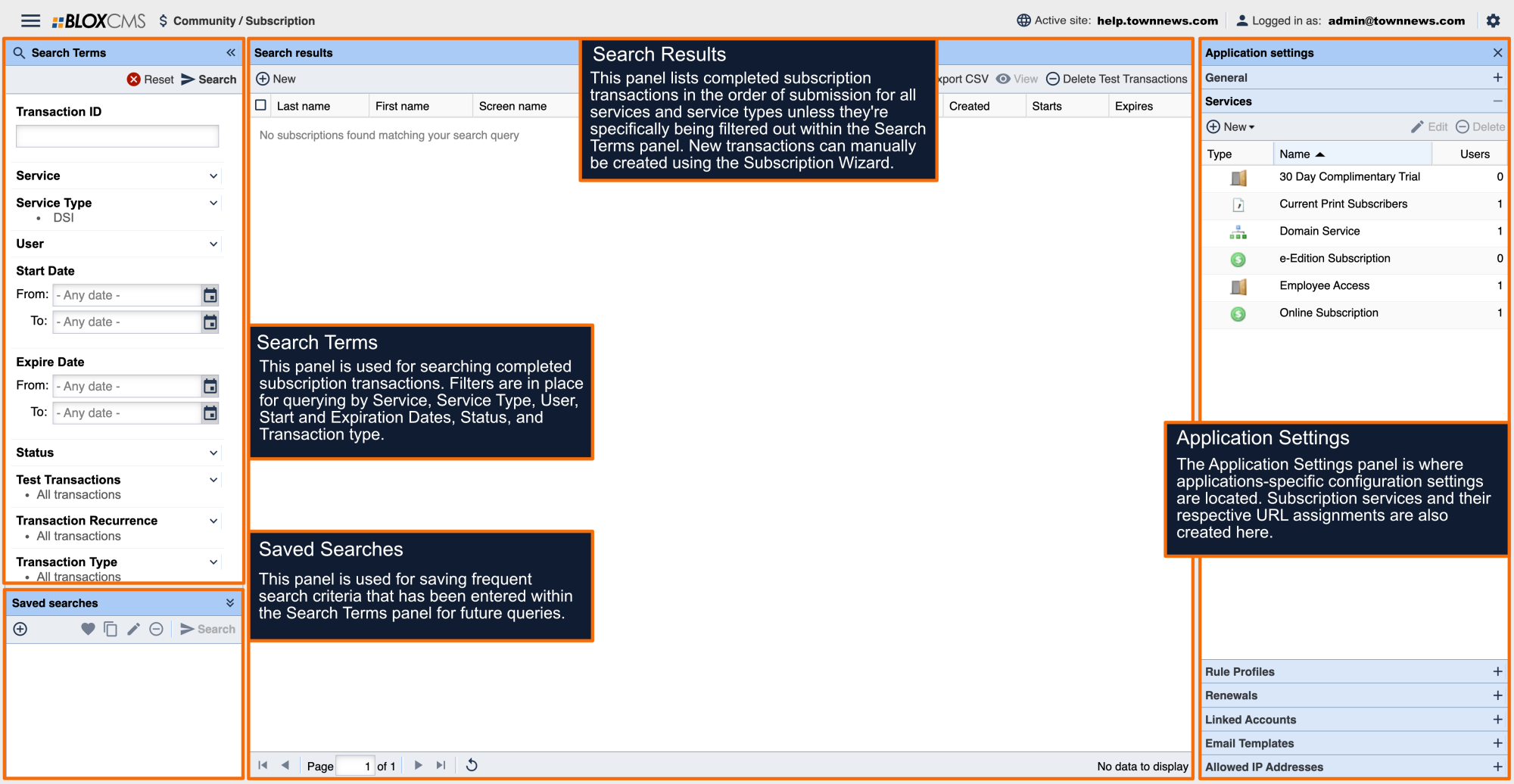
In the upper left corner click on BLOX CMS Desktop and go to Community / Subscription. In order to modify Subscription Services, click on the gear icon in the upper right corner. This opens the Application Settings. Options include:
- General
- Services
- Renewals
- Linked Accounts
- Email Templates
To edit services click on Services.
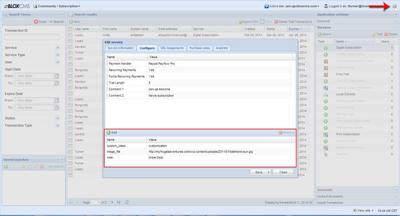
Choose the service you want to edit and click the Edit button. Service Custom Properties are added in Configure of the Edit Service window.
There is an Add button below the payment handler information. Click on it to add any of the following Service Custom Properties.
| Custom Property | Description |
|---|
| image_file | This custom property adds an image at the top of the subscription service. This value is the location of your image file. Enter the entire URL if the image file is hosted externally. Local images are mapped to your global skins /resources/images/_site/ folder. You can add these files via FTP, through Design / Templates if you have template access, or you can contact customer service for assistance. |
| note | This allows you to add a customized flag to a subscription service. Add a text value that will be displayed with a red box around it. |
| print_only | Some sites are required to display print only service packages for AAM reporting. All services with this flag will appear at the bottom of the service list below a special message denoting they are print only packages. Add the true value to any subscription service you want to add the print_only area of the service list. |
| custom_class | This lets you specify a specific class for this service package, which is easier for targeting custom styles. This can be any value you want to target as a custom class. Remember not to use generic names when assigning a custom_class. |
| dsi_customer_form | With DSI integration, allows configuration of the link to each site’s customer support form. |
| dsi_customer_home | With DSI integration, allows configuration of the main DSI portal page. |
| dsi_customer_phone | With DSI integration, allows configuration of the phone number of the customer support center. |
| dsi_multiple_free | With DSI integration, allows multiple free services to display (default is to only show 1 free service). |