What are test transactions?
Services within BLOX Subscription can be put into Testing mode, allowing admins the ability to walk through the user-experience and purchase an online subscription, without actually transferring funds or charging payment. Testing mode
How to enable Testing mode
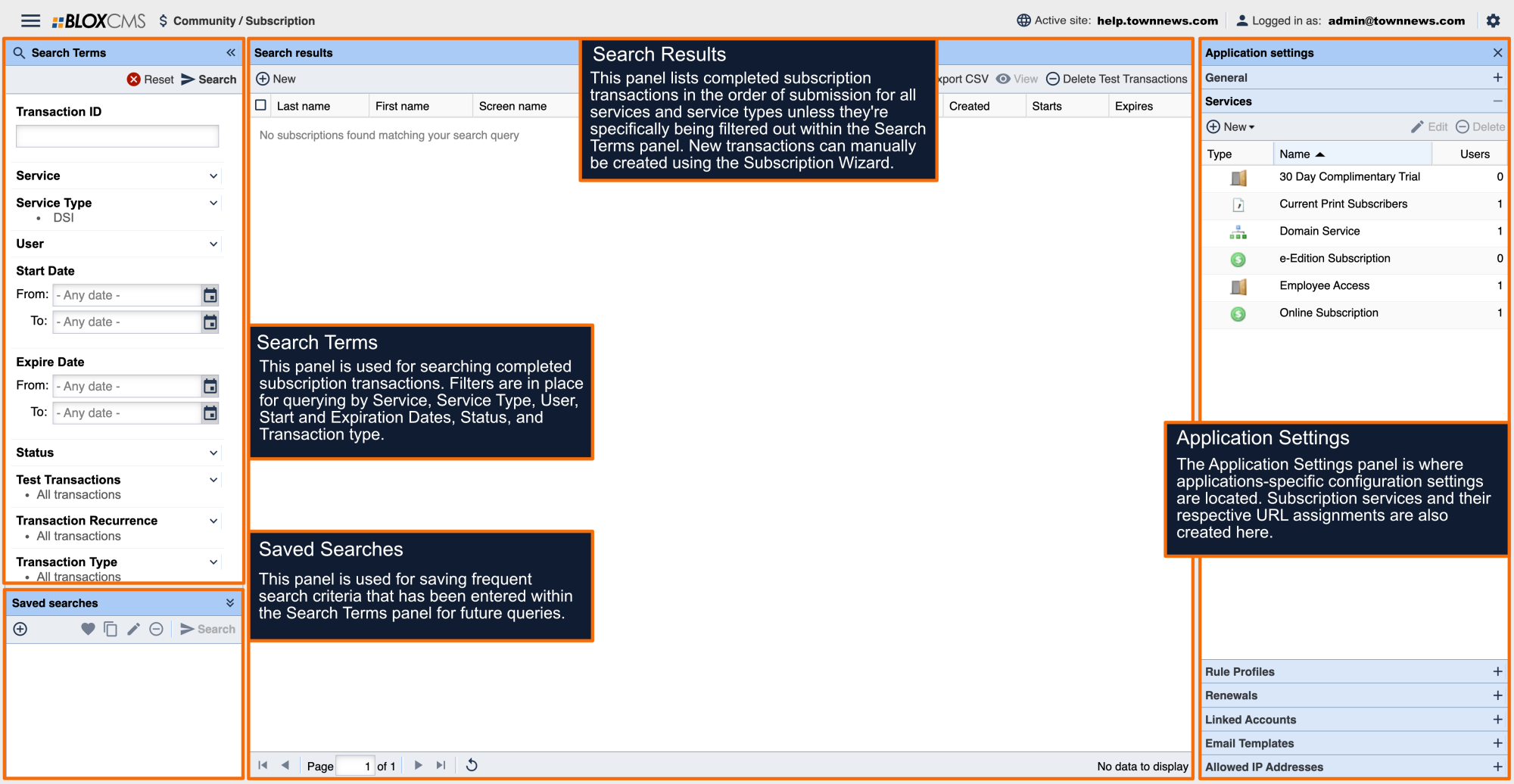
Testing mode is enabled on a per-service level. To enable Testing mode on a service, within BLOX Subscription navigate to the Application Settings and then populate the service within the Services panel. Within the Service Information tab, enable the Testing option at the bottom of the service.
Service testing
Once Testing mode has been enabled, transactions can be tested on the site by using the a test credit card using the following information:
Credit card number: 4111 1111 1111 1111
Expiration date: Any expiration month/date in the future.
Deleting test transactions
Once a transaction has been submitted, it can be viewed within BLOX Subscription at the top of the Search results panel or located by using the filters within the Search Terms panel. To delete a test transaction, select the entry and then select the Delete Test Transactions option within the toolbar.
Once testing has been completed, disable Testing mode within the service.