
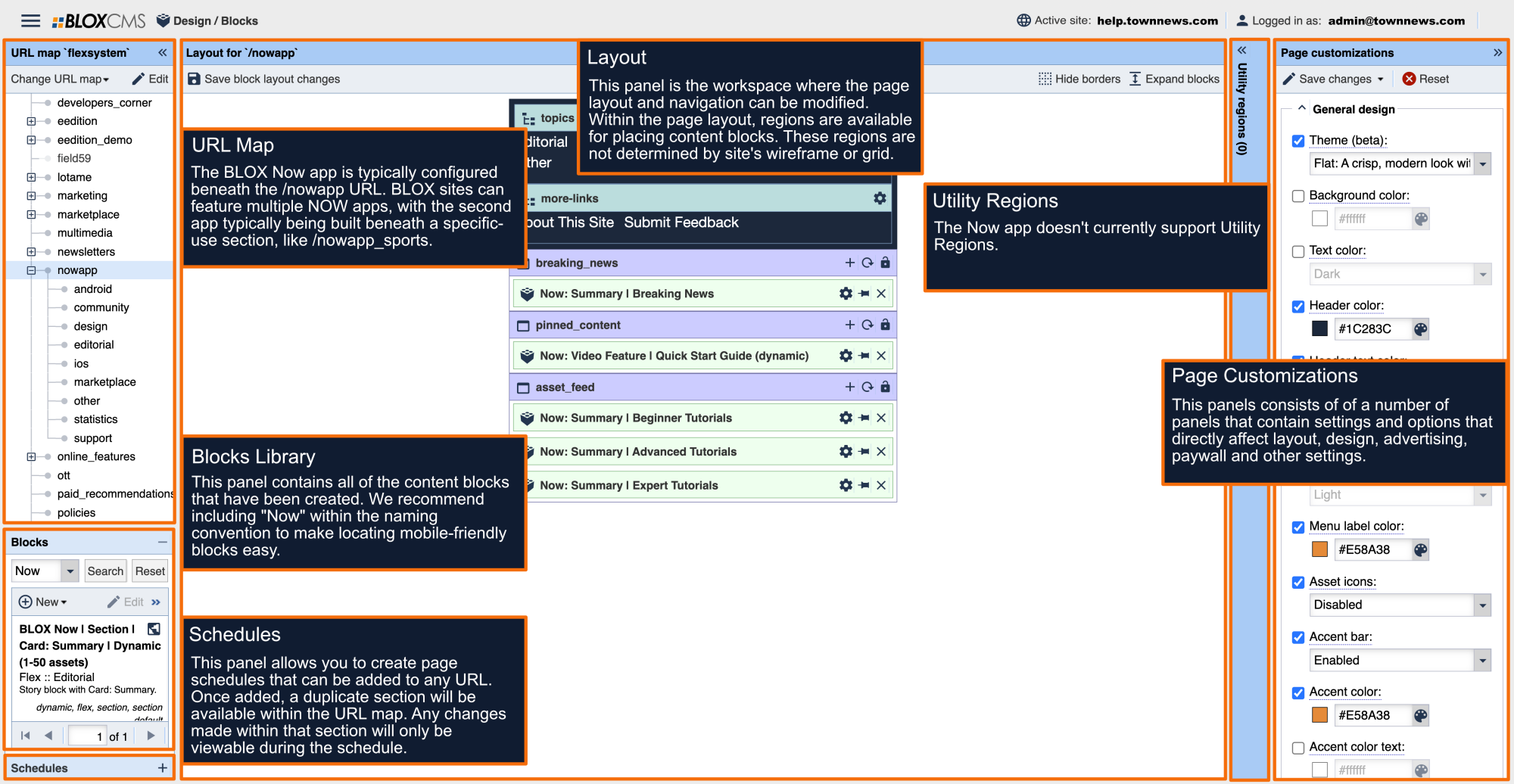



To set up the Launch Ad, in Page customizations set the following parameters:
GAM Launch Ad (released in 3.0)
This ad mirrors the interstitial ad but is deployed upon launch of the app.
Ad would appear immediately upon launch and would give the user and option to close the ad to continue using viewing content.
To schedule ad creatives for the Launch Ad:
Build a line item in Google Ad Manager to meet delivery needs.
Select the system-defined, creative template - Mobile Interstitial with Auto-close (app) - which is used primarily for local ads.
Upload your images into the creative template and ensure ‘Allow Scaling’ is set to Yes.
