Most Popular report
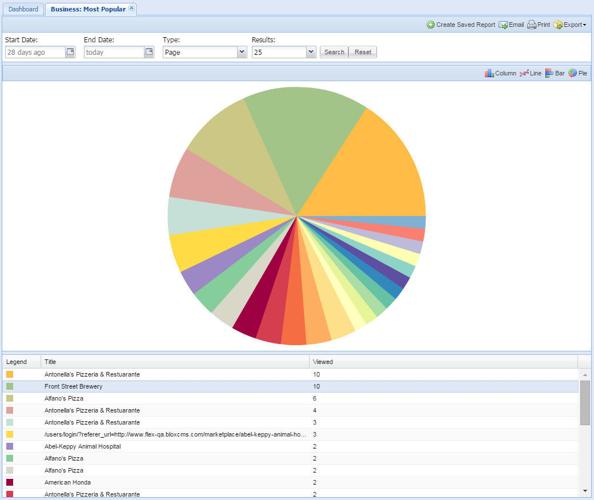
This is an example of the Businesses application Most Popular report. The maximum valid range is date range is 1 month.
This is an example of the Businesses application Most Popular report using Google Analytics.
If your site utilizes Google Analytics, instead of MurlinStats, an additional Type pulldown menu will be available to users.
NOTE: Many of the reports that are generated using MurlinStats require a valid range from a start date to an end date of 1 month. Reports using Google Analytics don't have this limitation.
Business by Date report
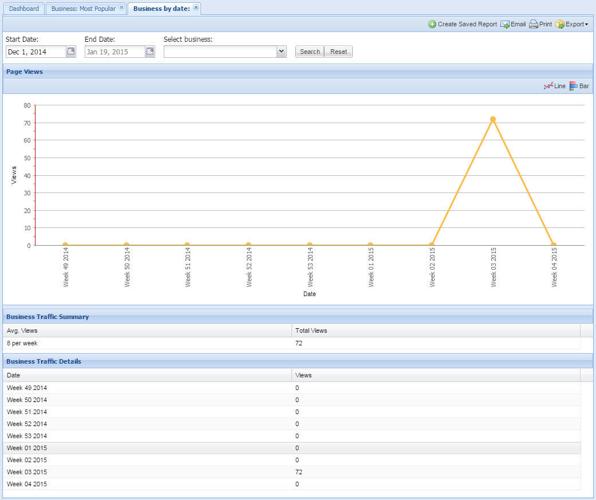
This is an example of the Businesses application Business by Date report. After selecting a date range, choose Select Business to populate the Find businesses window.
Choose the desired business, select Add Selected Businesses, and then hit Search to complete the query.
Business Leads report
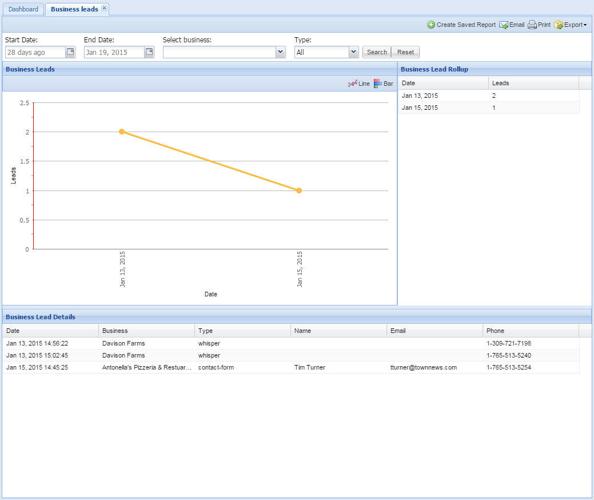
This is an example of the Businesses application Business Leads report. Choose Select Business to populate the Find businesses window.
Select the desired business, and then select Add Selected Businesses from the Select Business dropdown menu.
Featured Impressions report
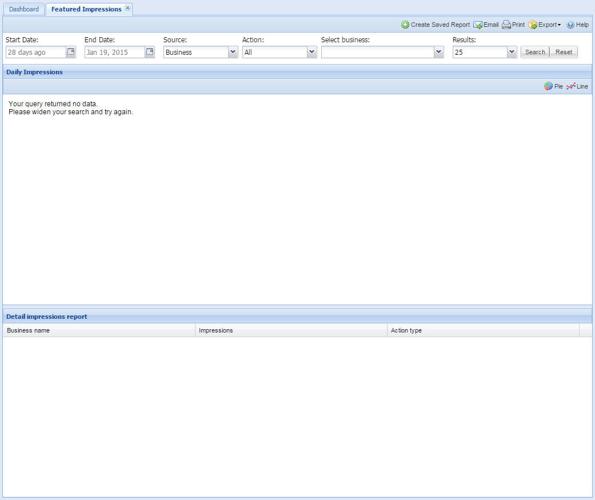
This is an example of the Businesses application Featured Impressions report. Choose Select Business to populate the Find businesses window.
Select the desired business, and then select Add Selected Businesses from the Select Business dropdown menu.
Featured Impressions By Date report
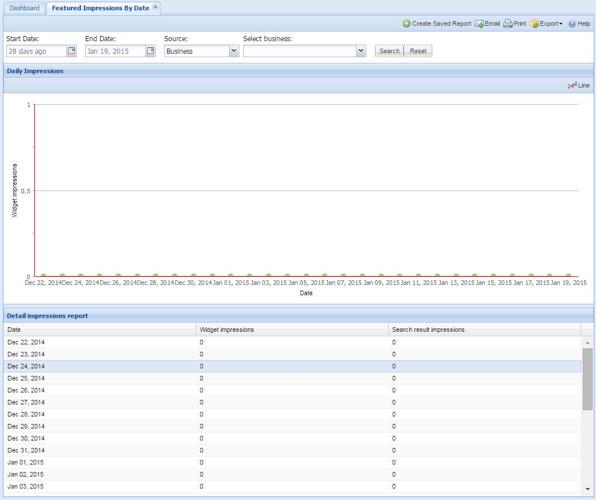
This is an example of the Businesses application Featured Impressions by Date report. Choose Select Business to populate the Find businesses window.
Select the desired business, and then select Add Selected Businesses from the Select Business dropdown menu.
Related Assets Summary report
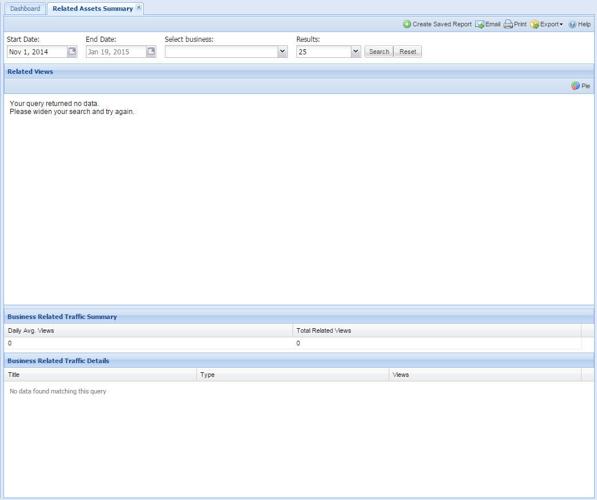
This is an example of the Businesses application Related Assets Summary report. Choose Select Business to populate the Find businesses window.
Select the desired business, and then select Add Selected Businesses from the Select Business dropdown menu. The maximum valid range is date range is 1 month.