You have permission to edit this article.
Edit

How do I search for individual Story Stats?

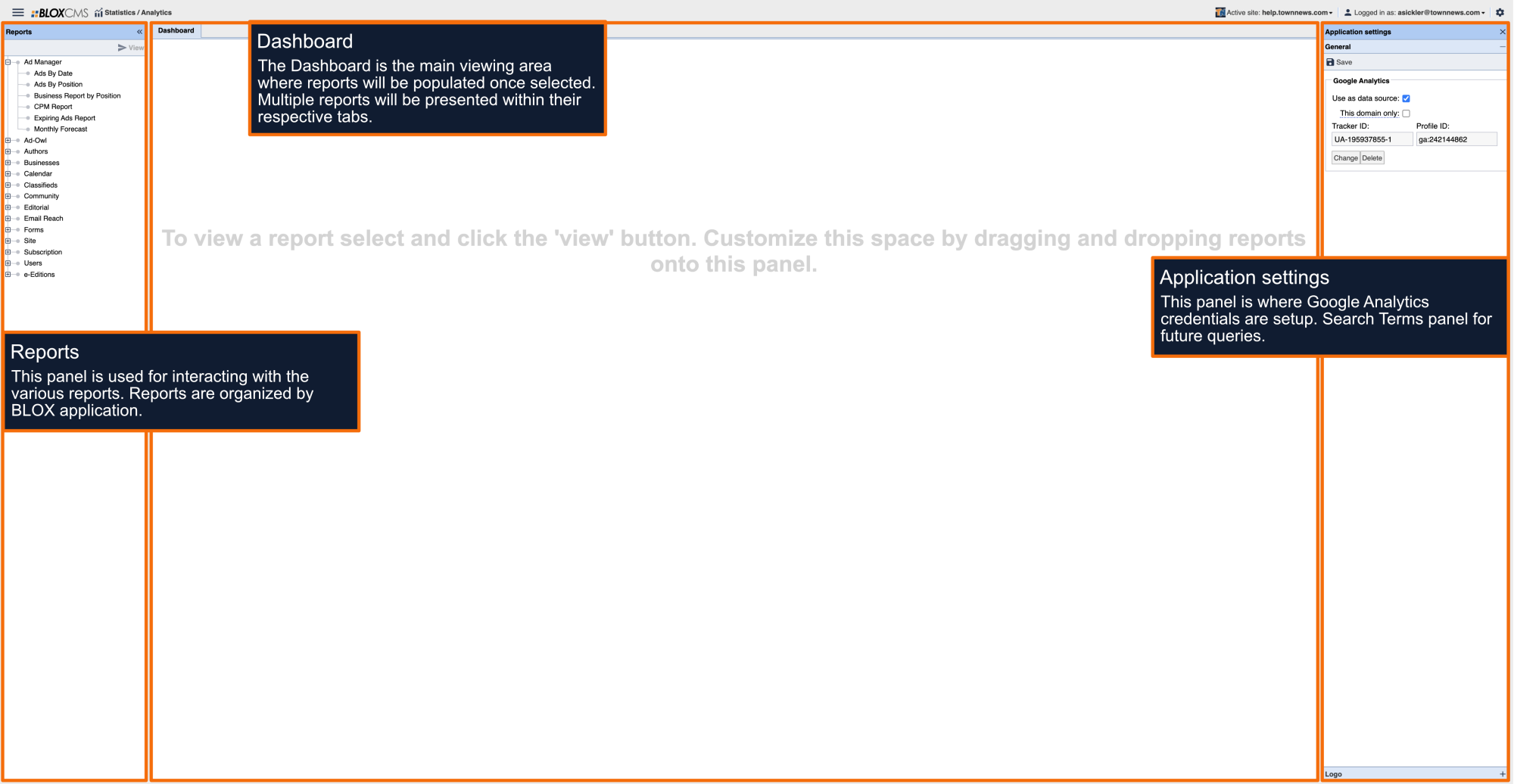
In you BLOX CMS Admin, go to Statistics and expand a Statistics Category (ie: Editorial) and view a Report (ie: Summary). The report loads. Click on the Source link above the Search Fields called Murlin Stats. You'll be prompted to log into Murlin Stats using your BLOX CMS Admin credentials.
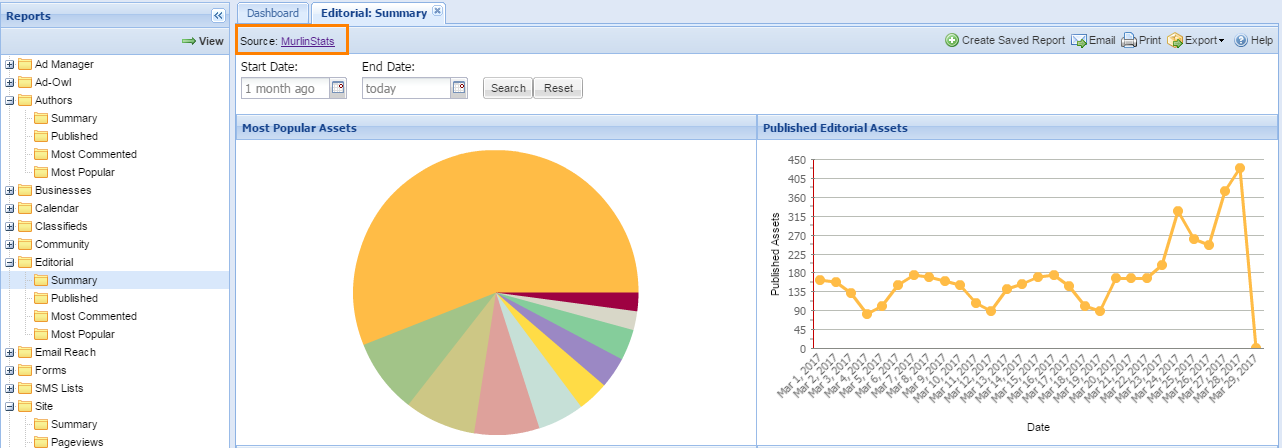
MurlinStatsLink

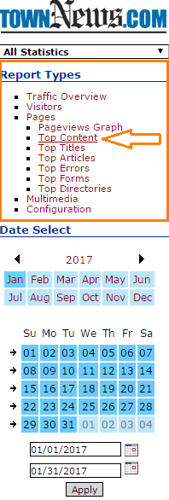
In the upper left under Report Types, select Pages, and click on Top Content.

TopContentReport
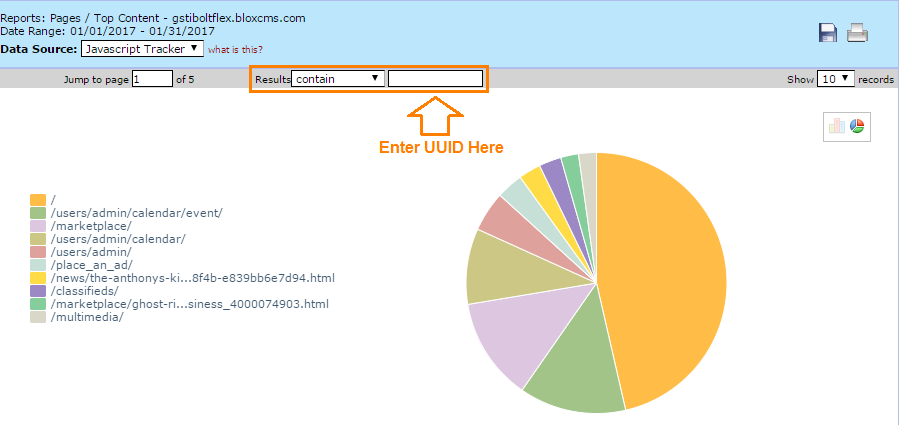
TopContentContentUUID.png
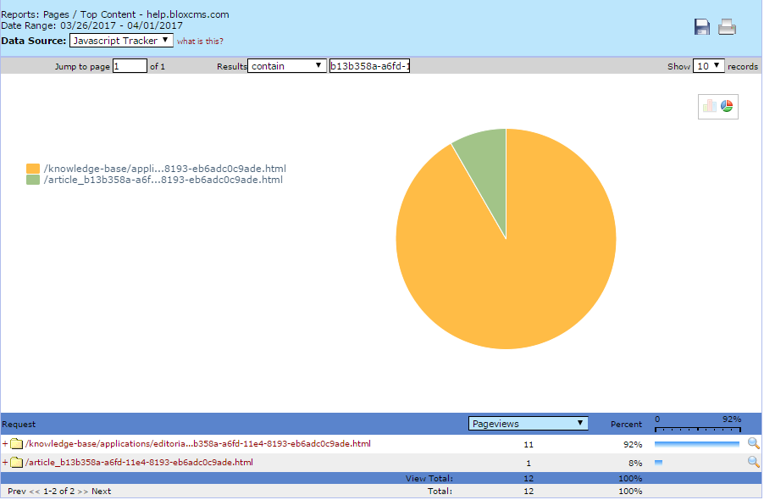
TopContentFront

We want your feedback!

See something that needs updating or additional clarification? Want assistance with a topic that isn’t listed here? Please let us know!

At BLOX Digital we are dedicated to providing you the information you need to be successful when you need it.

Visit our feedback page to log in, submit a support ticket, and track the progress of your open requests.