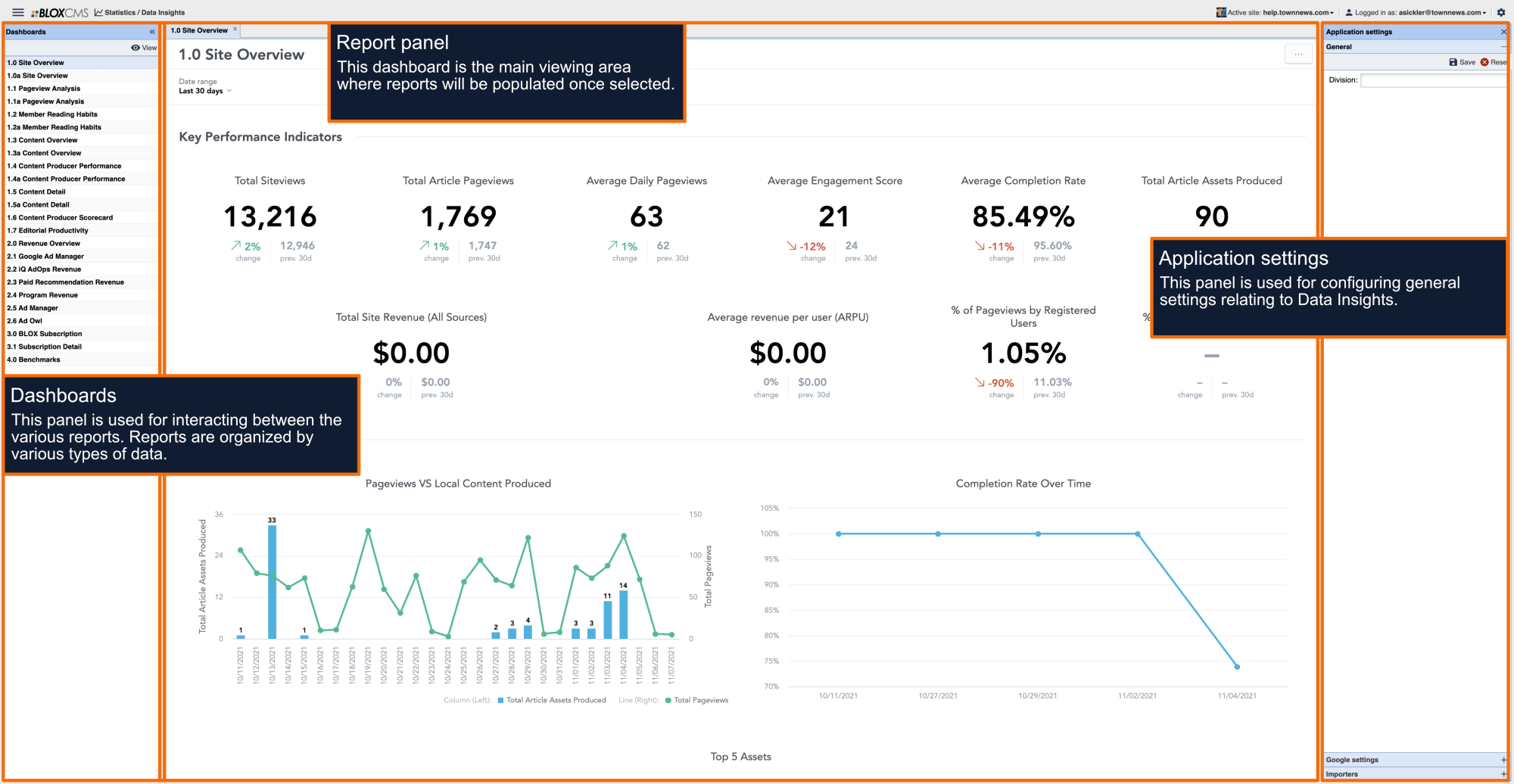
This is the item in the menu that will direct you to Data Insights with the proper organization.
Data Insights Login Changes (BLOX SSO) FAQ
Allie Peters
Change Overview
This FAQ answers common questions about the upcoming Data Insights authentication update. Beginning July 20, Data Insights will use BLOX Single Sign-On (SSO), changing how users access the product. The information below explains what to expect during the transition and provides troubleshooting steps if you experience any issues.
Why is my login changing?
We're updating Data Insights off-platform product to use BLOX Single Sign-On (SSO). This means you'll access Data Insights using your BLOX account instead of a separate login.
When is this happening?
The new login experience begins Monday, July 20 at 11:30 AM CT.
How do I access Data Insights?
Log in to Legacy BLOX.
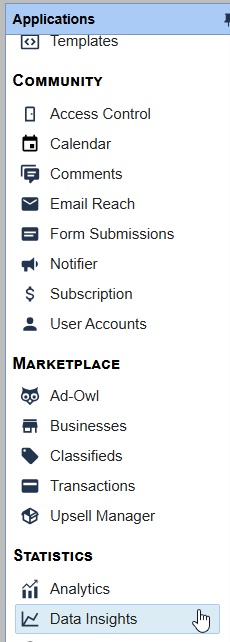
Navigate to Analytics > Data Insights.
Click Data Insights.
You'll briefly be redirected between Legacy BLOX and Data Insights.
When prompted, sign in with your BLOX Admin account.
These redirects are expected and verify your permissions before granting access.
This is the item in the menu that will direct you to Data Insights with the proper organization.
Why am I being redirected multiple times?
The redirects are part of the new secure sign-in process. They confirm your identity and ensure you have access to the appropriate domains within Data Insights.
Do I still use a separate Data Insights login?
No. Going forward, you'll sign in using the menu item in the BLOX account.
I don't see the Data Insights option under Analytics.
This usually means your BLOX account does not have permission to access Data Insights.
Please contact your organization administrator or Customer Support for assistance.
I'm unable to access Data Insights after logging in.
Please contact Customer Support. They will verify your permissions and help restore access.
Can I bookmark Data Insights?
We recommend always launching Data Insights from Legacy BLOX/Analytics/ Data Insights after this change. This ensures your permissions are verified correctly each time you sign in. After your first login, you may bookmark but will only be prompted to login with BLOX Admin.
Interested in Trainings by Topic?
We've got you!
With Editorial Assets being at the heart of BLOX CMS, we strongly encourage everyone to take advantage of all help topics, but if you're looking for topic-based help topics and FAQs, we have you covered there, too.