



Page Content Type Editing
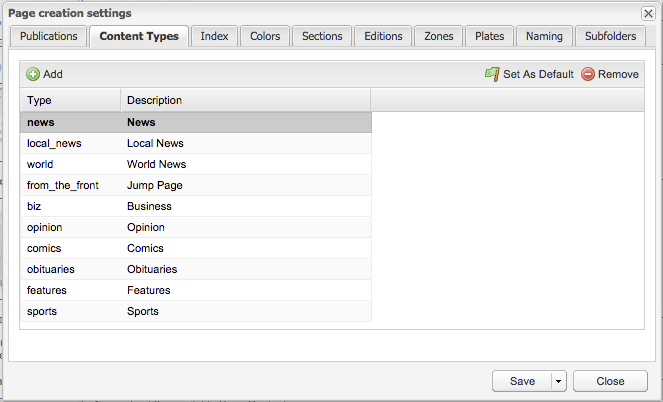
Page Content Types are entered on a domain-by-domain basis in the browser interface at Settings > InDesign > Page creation settings. In this case the type of news is the default. Having a default, which is not a requirement, is indicated by the Type's name and Description being displayed in Bold. A Set as Default button at the top right of the dialog controls that setting.
As featured on
Adobe InDesign Design Element Snippets can be assigned as Geometry items in the browser based editor. When that is done, the snippet will be automatically placed on the page when the asset is placed on the page.
