



Export the necessary files from your layout system. For example our built in support for SCS Layout 8000 requires we have a layout (.out) and edition (.edf) files.
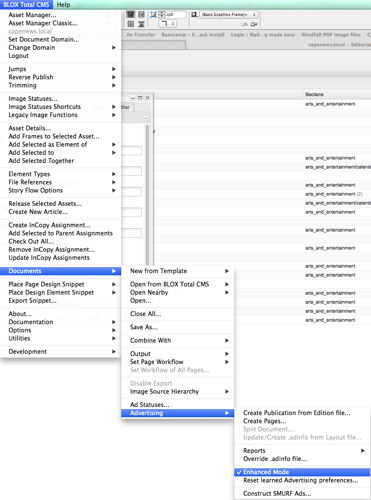
Within Adobe InDesign choose BLOX Total CMS > Documents > Advertising > Enhanced Mode Until it is CHECKED.

The access to Enhanced Mode is found at BLOX Total CMS > Documents > Advertising > Enhanced Mode. When selected the option will be displayed with a check.

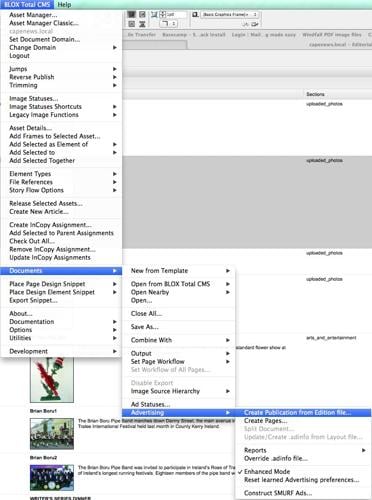
The location of the menu item to start the production of a new Publication / Edition / Section

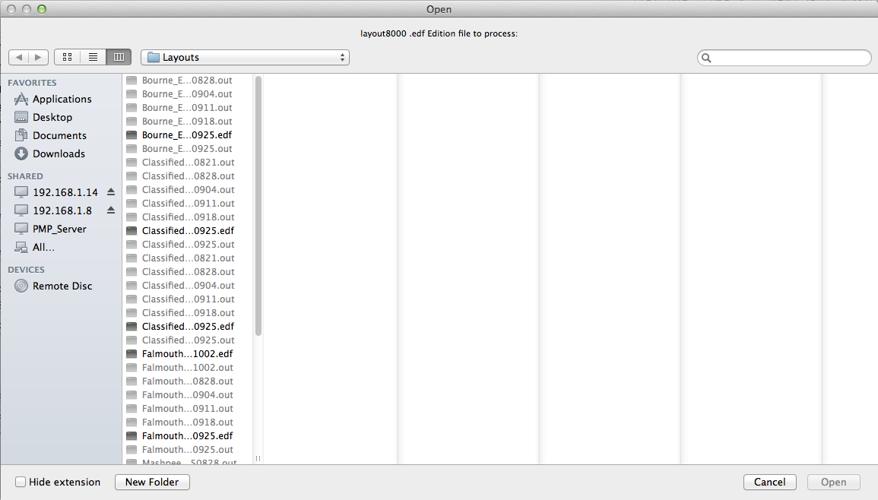
The dialog to select a .edf based Edition file.

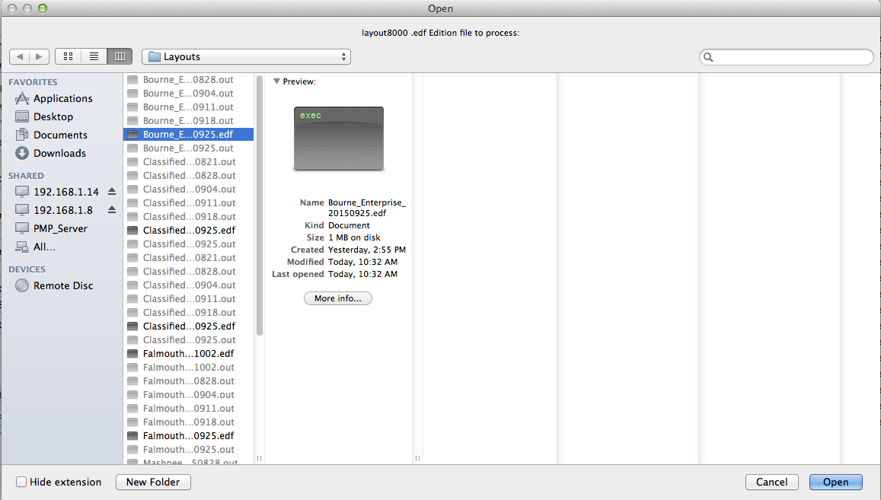
In this dialog the user has selected an edition file. The Open button is now available.

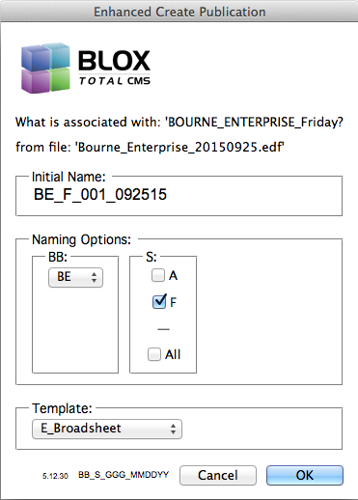
This is a learning dialog. Once it has encountered all the options according to the information in the Edition file, it will then be able to correctly select the publication code and template. In addition, it will remember the last section selected.

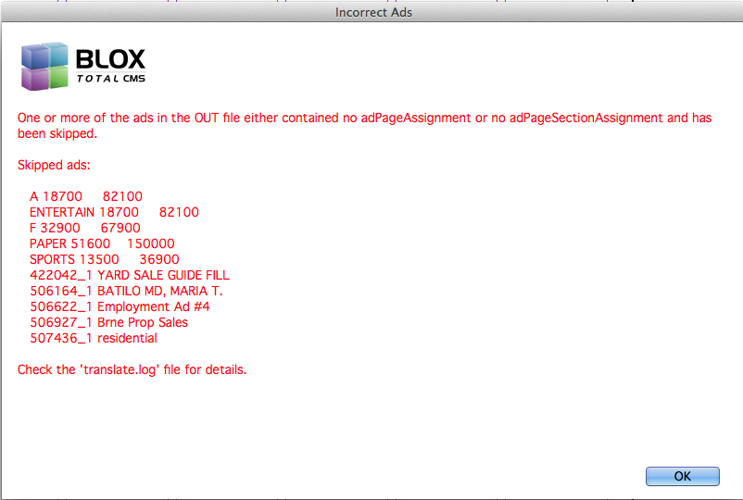
The first of several possible error or warning screens that can appear when processing edition and layout files. In this case the layout file referenced ads that had not actually been given placement information.
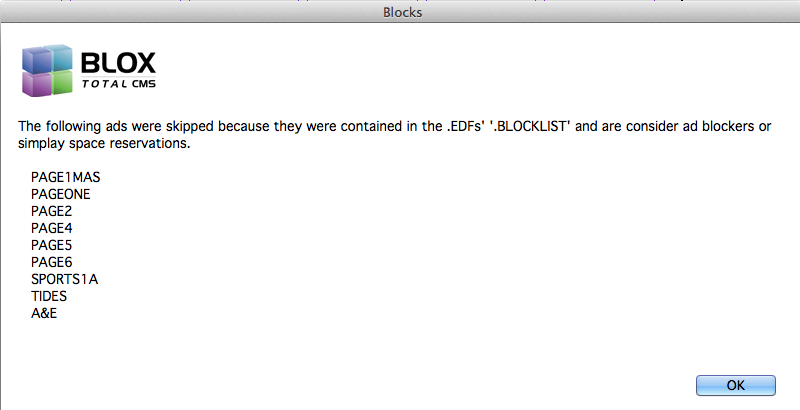
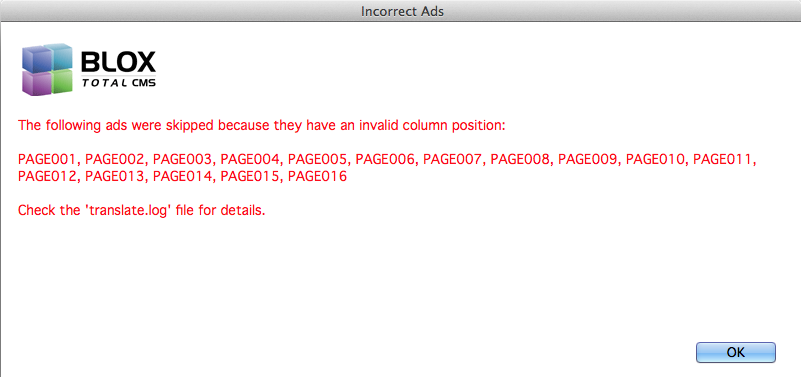
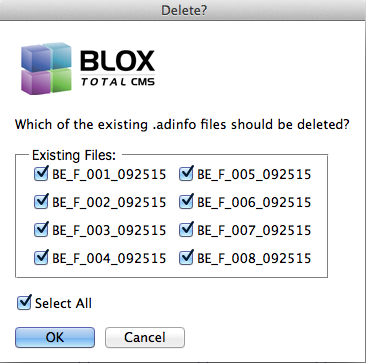
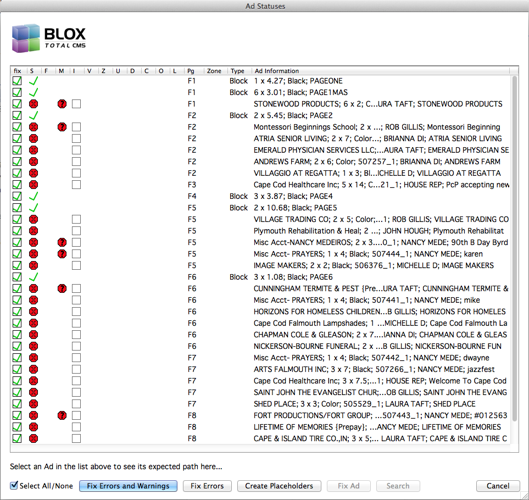
If a user has previously processed the same, or a similar/earlier, Edition and Layout file, they will be asked to replace any existing .adinfo files with the new information. It is STRONGLY RECOMMENDED that you just click OK. There are only very specific reasons to uncheck any of these check boxes and sites will probably already know when/why.

"Click the Blue Button"

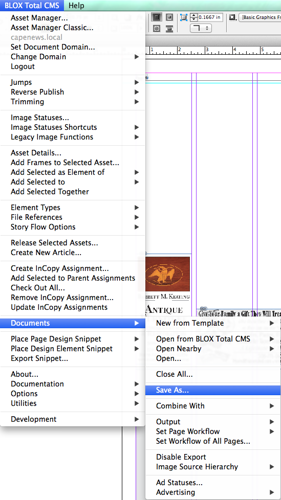
The menu location to save a document with BLOX Total CMS naming.
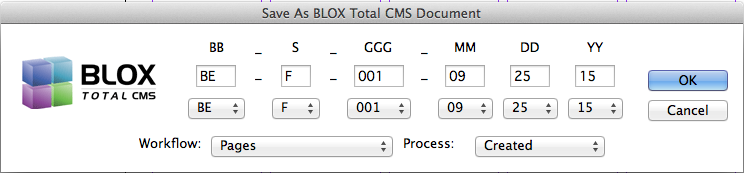
The Save As BLOX Total CMS Document dialog. When saving an existing document the dialog will be displayed looking as it does here with all items already filled out.