General Procedure
Note: This procedure can only be accomplished by someone with administrative privileges to the appliance. If you have never logged into the appliance admin before, it is very unlikely that you have permissions. Contact your local Information Technology staff or perhaps your on-site BLOX Total CMS template master and have them enable Beta Appliance Alerts.
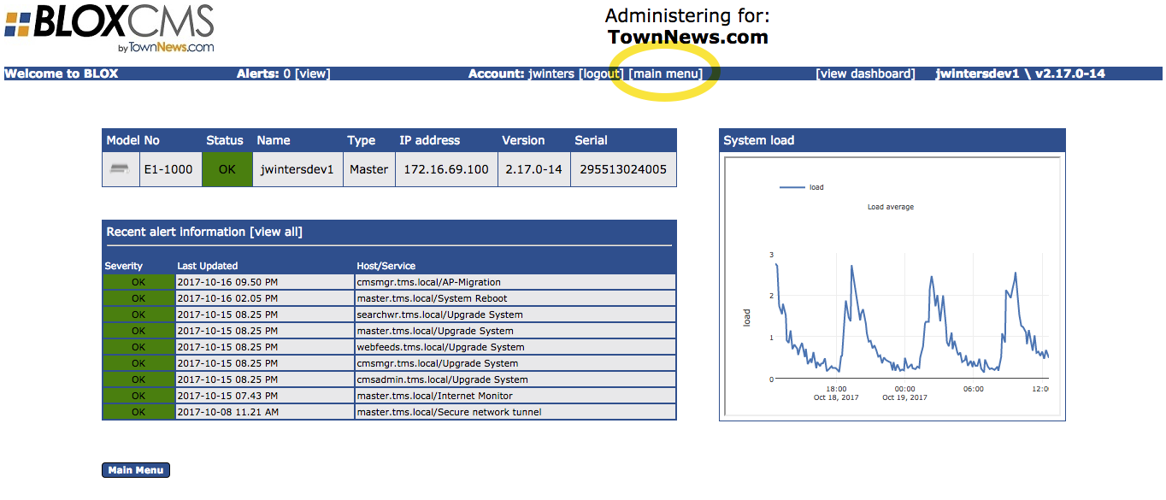
1) Log into the appliance admin. This is generally the same IP address as your users use in the browser interface, but add port 8083 as in add :8083 after the IP address. Once logged in, the Dashboard will be displayed as shown below:
2) Click the [main menu] link
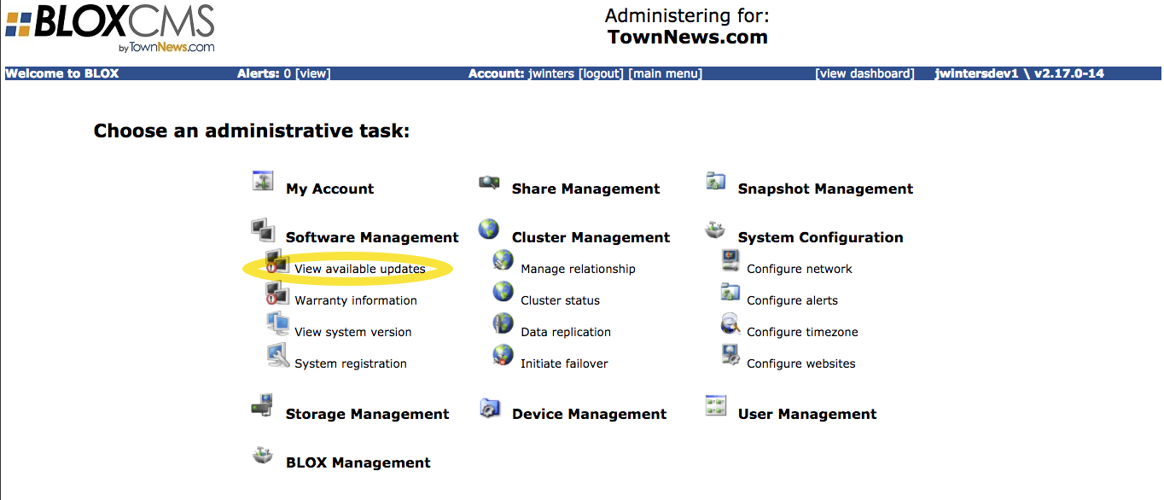
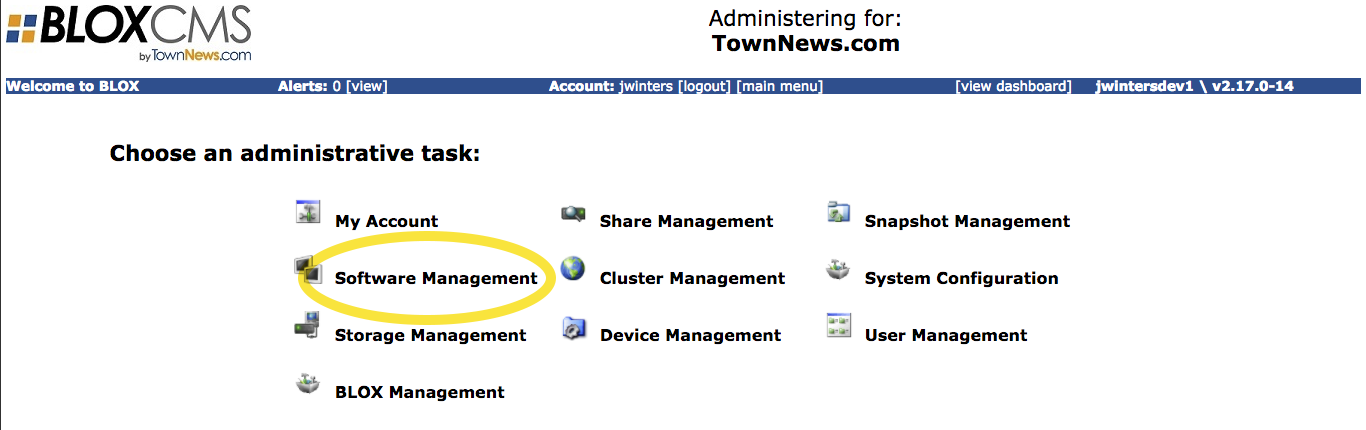
3) Click the Software Management link
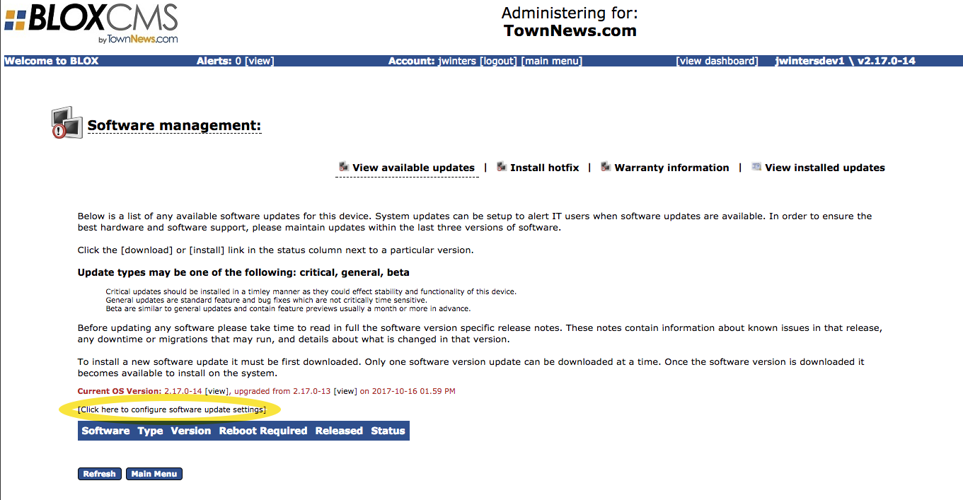
4) Click the View available updates link
5) Click the [Click here to configure software update settings] link
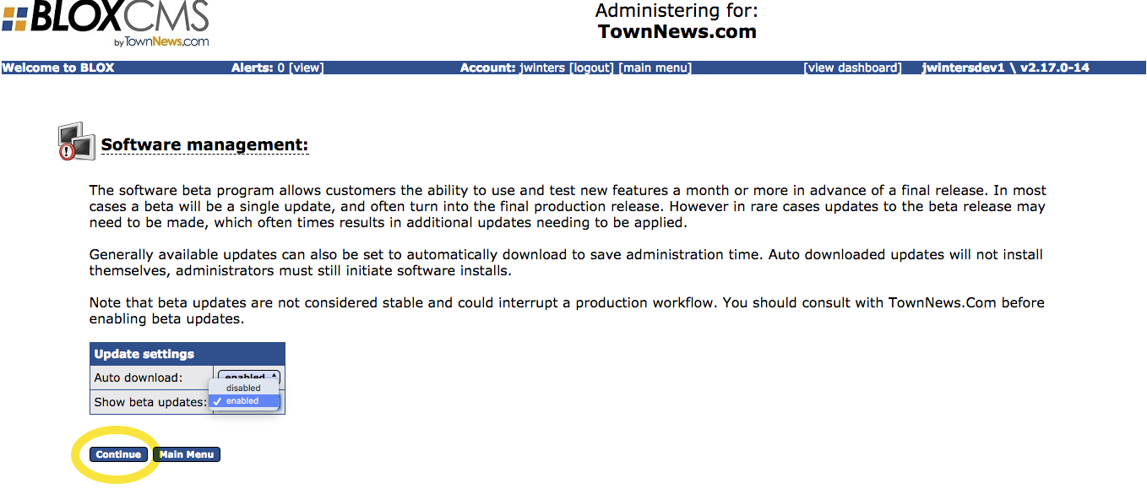
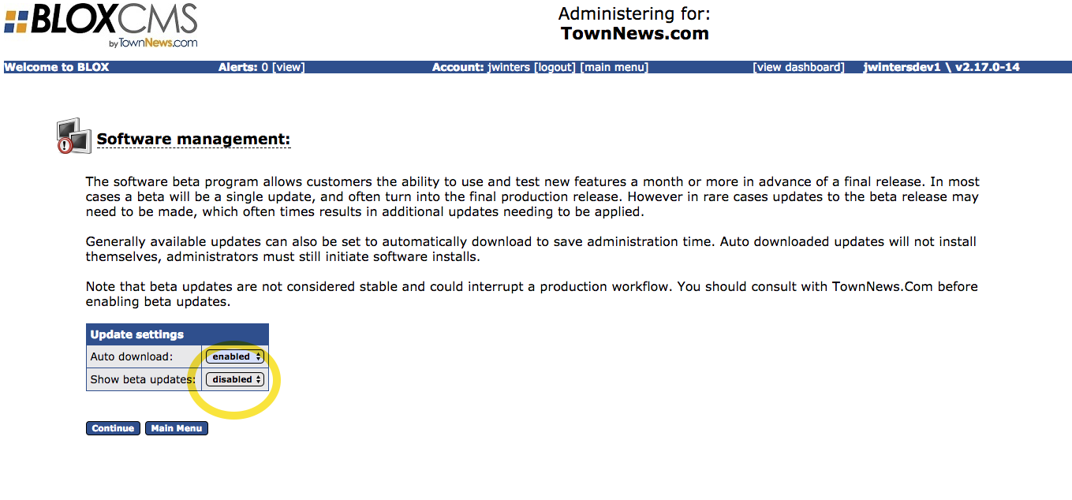
6) Change the Show beta updates: setting from disabled to enabled
7) Click the Continue button
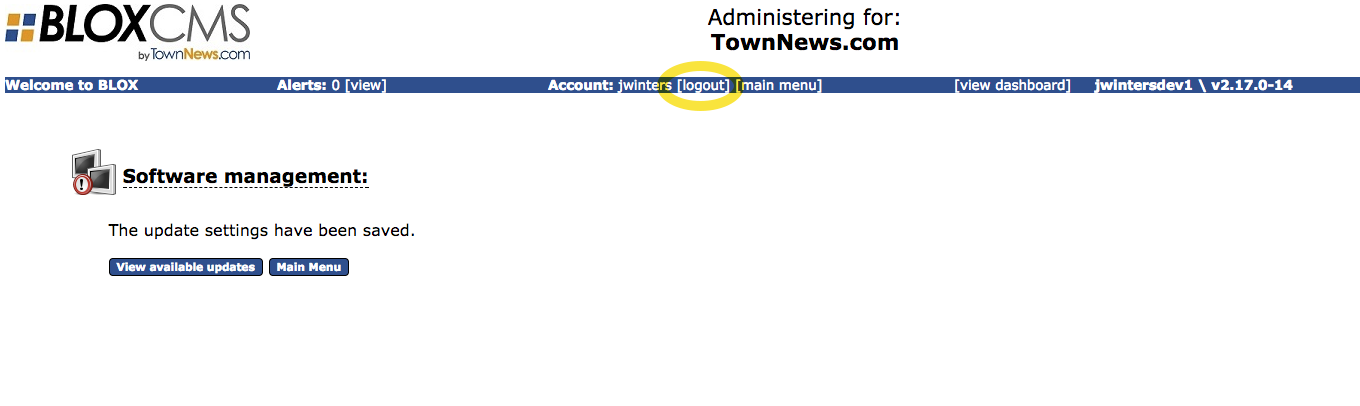
9) Click the [logout] link
The result…
The next time that a beta software release is available, you our BLOX Total CMS administrators will get an e-mail letting them know it is available for download and install.
Why this is important…
Fast acceptance of Beta Appliance OS updates insures all sites get updates more frequently.