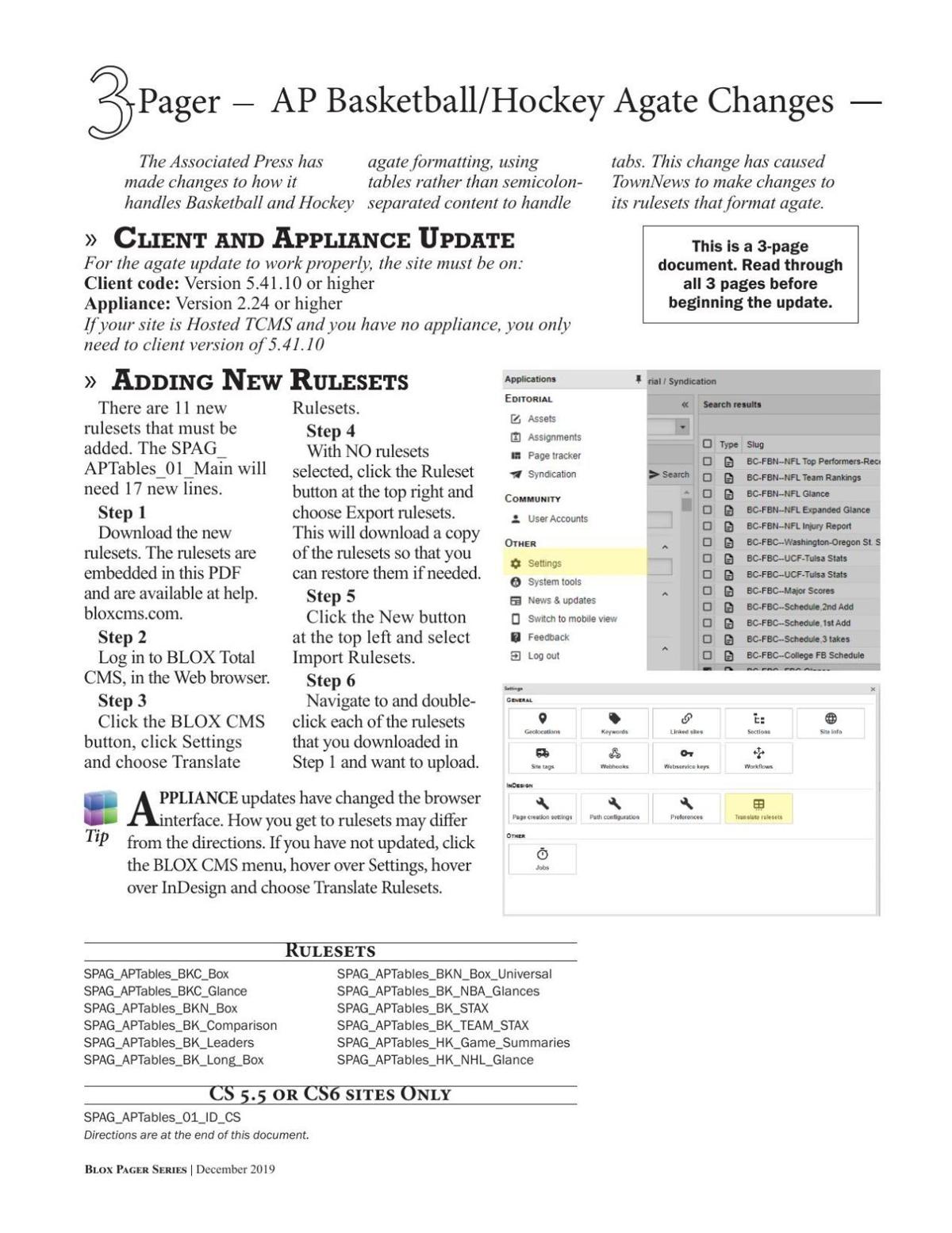
The Associated Press plans to switch to a new format for Basketball and some Hockey agate during the week of 16 December 2019. This change will make the feed similar to those released earlier this fall for Baseball, Soccer, and Football and a few other sports.
Attached is a PDF that contains the installation instruction as well as the rulesets themselves to support this new format for Basketball and Hockey.
If you have any problems setting up these rulesets, please contact our Customer Service team at 800-293-9576 or support.townnews.com and they will assist you.
NOTE: These instructions assume that you have already implemented the initial rulesets we released for Baseball Agate in August (available here) and Football in November (available here).
The PDF instructions with embedded rulesets is available below or here.
While the rulesets are embedded in the PDF with the instructions, they should be available separately here. Note: You need the instructions to get the lines to add to your existing rulesets to call these new rulesets so start by downloading (not just viewing) the PDF above.
Required Client Software
Updated client code is NOT needed for the Basketball and Hockey feed if you are already running the Football agate. But you need to be on client version 5.41.06-1 or greater to support the Football agate and these Basketball and Hockey rulesets also expect at least that version. You can open a support ticket at support.townnews.com to request the current version of the client: 5.41.10.
Client 5.41 Release Notes
Required Appliance Version
All these rulesets require an updated version of the Syndication Tool that has already been released. If you are using an applianceless, or hosted, version of BLOX Total CMS you have this. But if you are using appliances, you need to be on Appliance OS 2.24 or greater. If you see headings running together or see changes in the formatting after looking at the agate in a browser, you need to update to 2.24 or greater.
Appliance updates are handled in the appliance admin.