This article describes how users can replace a portion of video in the Blackbird editor with a still frame while retaining audio and caption tracks. Users should already be familiar with the basic functions of Blackbird before attempting the tasks detailed below. Click here to review the basic steps to create a video in Blackbird.
This article describes a process similar to steps outlined here regarding replacing one portion of a video track with another video, however in this article, a still frame from the video will be used instead.
Television broadcasters often face the need to remove copyrighted content — often national sports highlights — from news programming because they do not have the rights to distribute it online. In these situations, some broadcasters choose to use a still frame from the copyrighted content while preserving the audio and captions from the broadcast. This article is written with that goal in mind.
The workflow described below would also apply to any video in which a user may want to remove the video track but preserve a still image from the video, while retaining audio and/or captions.
1. In the Files window, open the file you wish to edit.
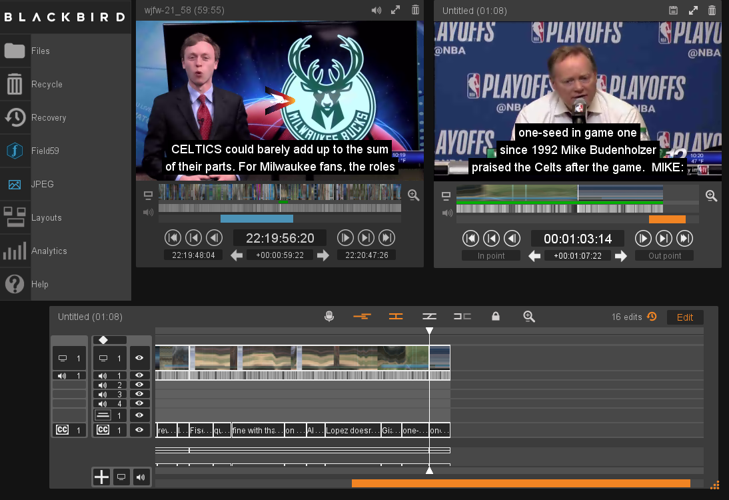
2. Mark your In/Out points for the entire clip in the left-hand (blue) source window, and move the clip to the right-hand (orange) editing window.
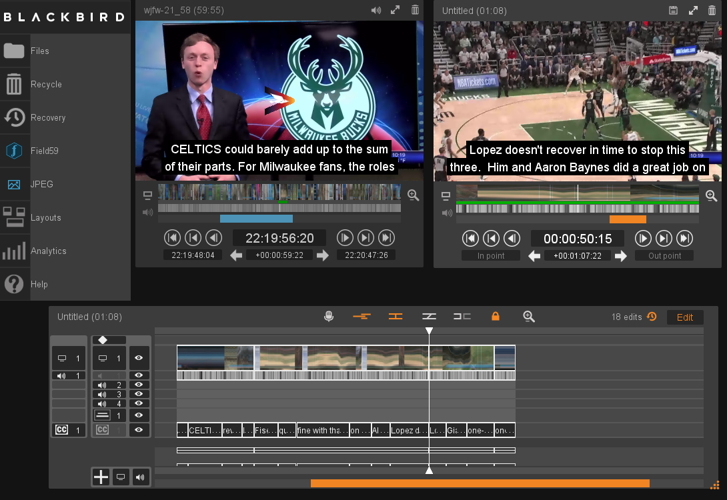
3. Click on the orange Lock icon in the Editing timeline. This allows you to unlock sync for the video, audio and caption tracks, which is needed because you’ll be making a still frame from the video you are replacing. The lock will turn from orange to gray.
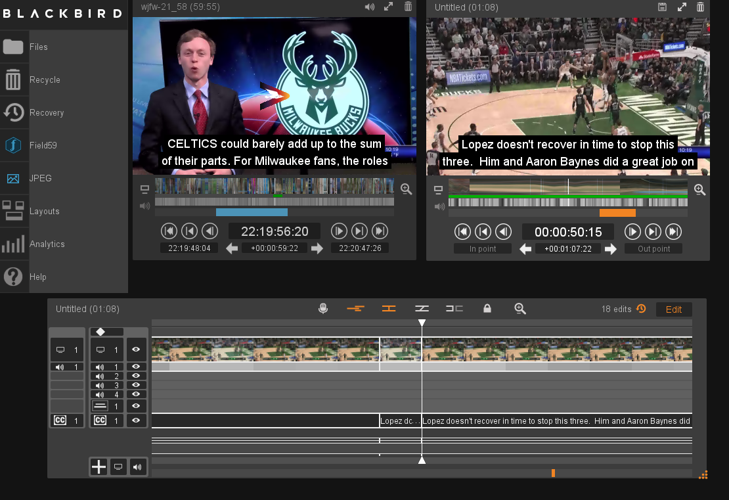
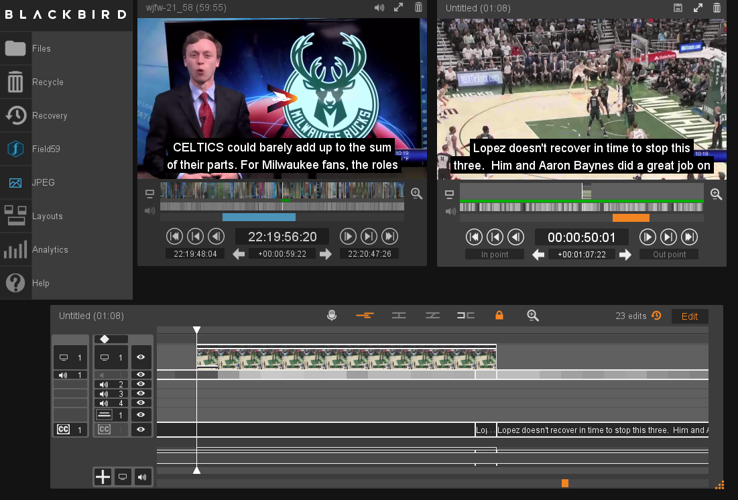
4. You will need to set Edit Points for both the beginning and end of the video you wish to replace. In the orange editing window, mark the In Point of where you want to start cutting out video. Then, in the Timeline, hit the Edit Point Button — this is the second icon (sideways H). That will create an edit point at your In Point.
4A. Repeat these steps for your Out Point for when you want to go back to the newscast video, to create a second edit point.
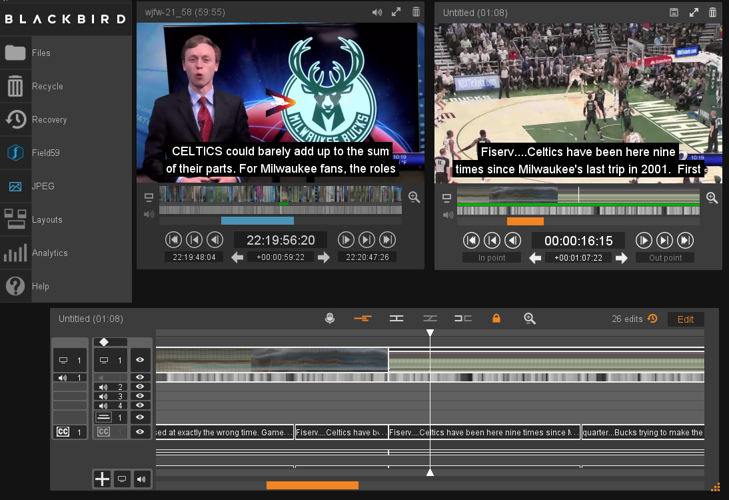
5. You will also need to mark Edit Points for the start and end of the frame you want to use as your still image to fill the time for the video you are replacing. You may need to click on the Magnifying Glass to zoom in to the frame level. (You can right-click to zoom out as needed once you complete this).
6. In Timeline, in the second column on the left, deselect Audio Track 1 by clicking on that button. The button turns gray to indicate it is inactive. Also in that same column, deselect the Caption 1 track at the bottom of the column.
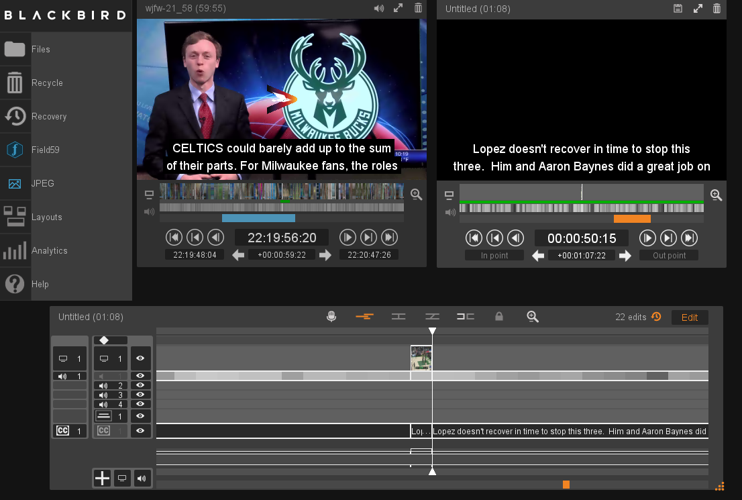
7. Put the cursor on timeline in between the first Edit Point and the Edit Point on the start of the still frame. Hit the Delete key on your keyboard. This will remove only the video track and leave the audio and captions tracks, because you deselected the audio track in the previous step, so your delete action does not apply to the audio and captions.
8. Put your cursor in between the Edit Point at the end of your still frame and the Edit Point at the end of the video segment to be replaced. Hit the Delete key. This will again remove only the video track and leave audio and caption tracks.
This will remove all of the video except for the single frame you want to cover the entire portion of the removed video.
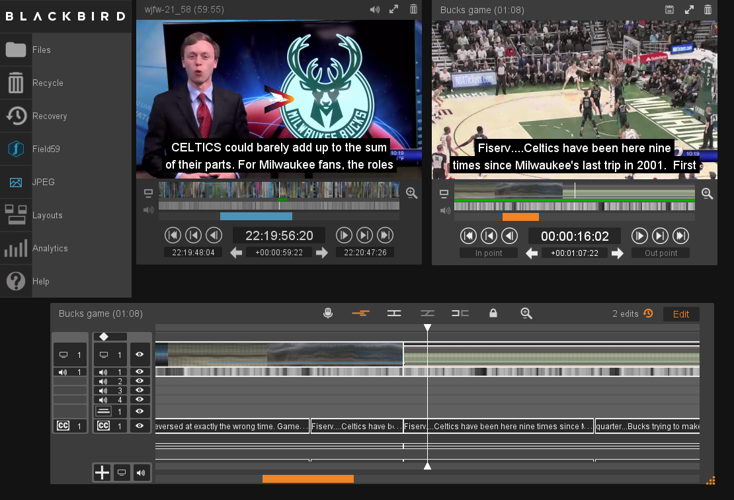
9. Move the cursor to the start of the still frame, and while holding down the Shift key, click and drag the still frame edge to the starting Edit Point where you deleted the video.
Repeat for the other side of the still frame, dragging to your ending Edit Point. You’ll see a double line at the top of your newly created segment that indicates you are using a still frame to cover the entire portion.
10. Re-activate the audio and captions tracks by clicking on them. Preview the edited clip in the orange window. Give the edit a title, drag to the BLOX VMS button, to provide additional metadata and start the transcoding process.