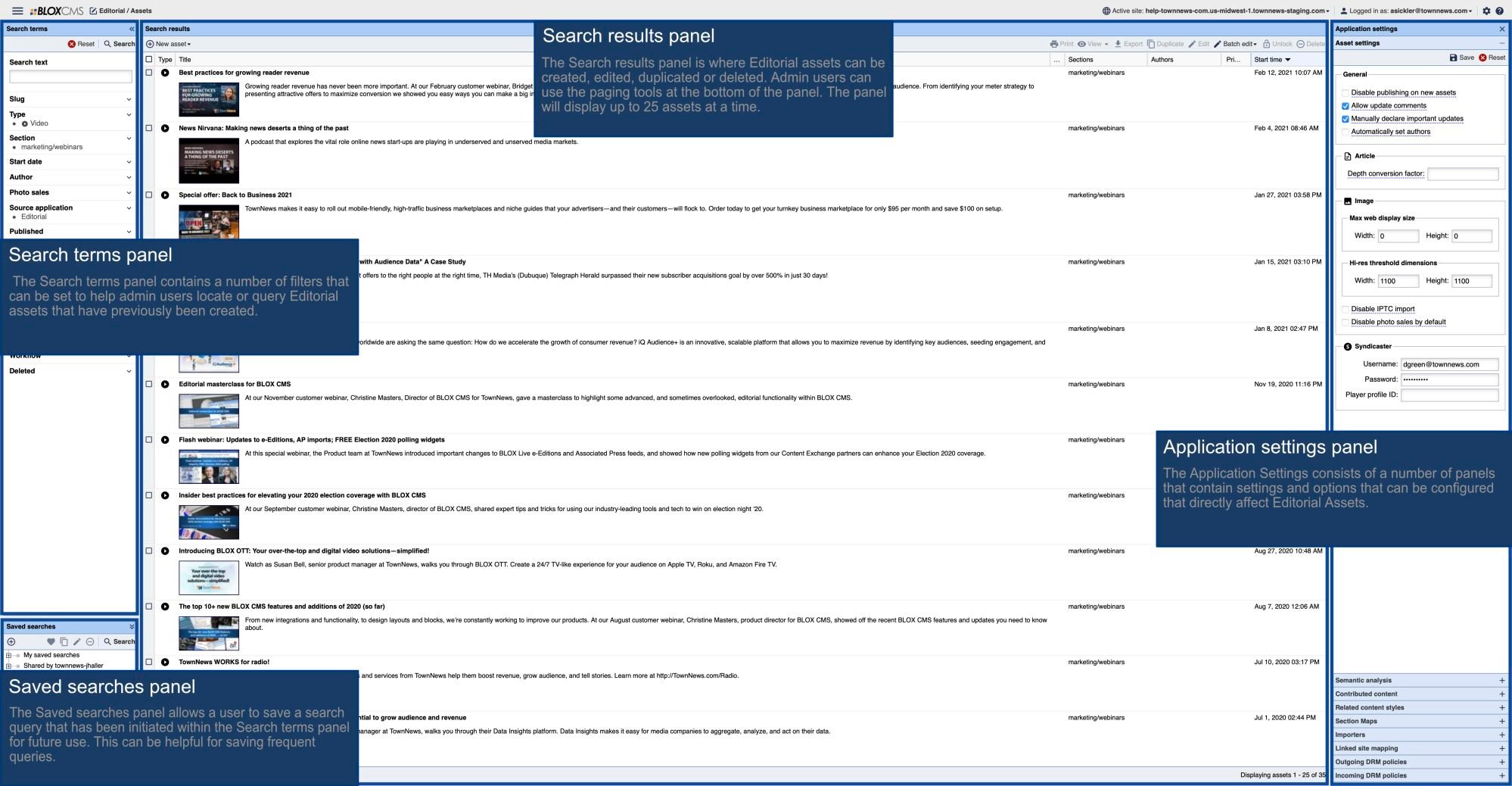


Finding the User Scripts folder
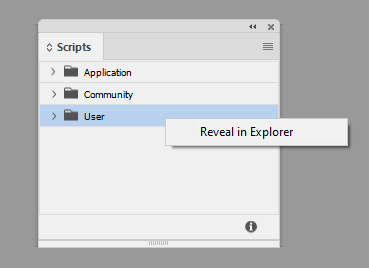
In all versions of Adobe InDesign there will be a Scripts panel. You can find this in current versions by choosing Window > Utilities > Scripts. Once that opens, there should be a folder titled User. If you right-click on the User folder, you should be presented with an option to Reveal in Explorer or Reveal in Finder depending upon your host operating system (Windows or macOS respectively).
As featured on
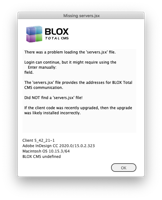
This article has instructions for installing the BLOX Total CMS for Adobe InDesign and Adobe InCopy on a remote computer without access to the file server to hold the client software. It is only for remote users who already have Adobe InDesign and/or Adobe InCopy.