
0.26.0
- Example Byline
- Updated
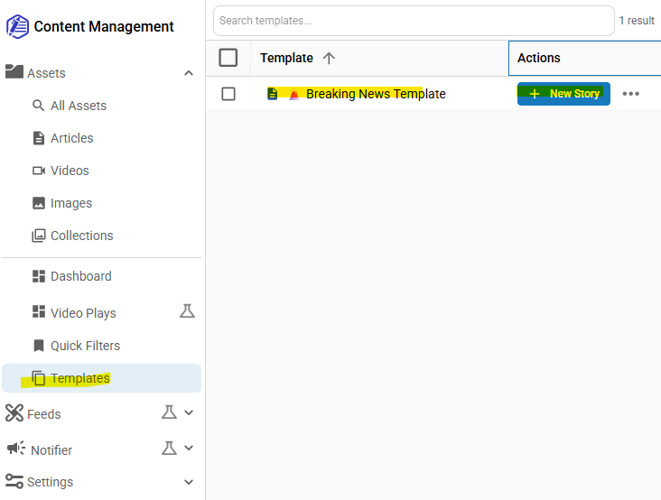
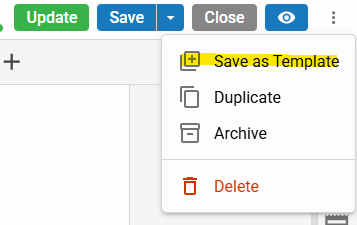
Editors can save any article as a story template and access the full template library via Templates search under the Assets menu. (CMSADMIN-641, CMSADMIN-1065, CMSADMIN-1703)
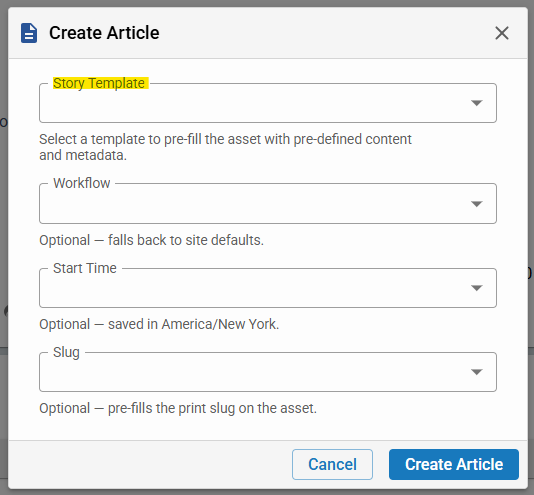
Editors can save any article as a story template and access the full template library via Templates search under the Assets menu. Customers in the BLOX NXT Beta Program can also select a template directly from the Create Asset modal at article creation time — a convenience that will be available to all sites in a future release. (CMSADMIN-641, CMSADMIN-1065, CMSADMIN-1703)
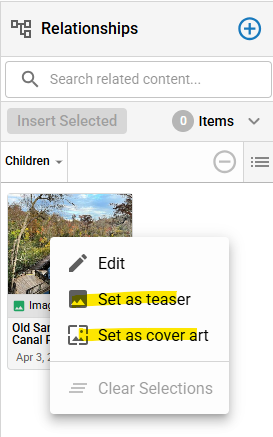
Editors can now right-click assets in the Relationships drawer to quickly set them as the teaser or cover image, reducing the steps needed to update asset presentation. (CMSADMIN-1987)
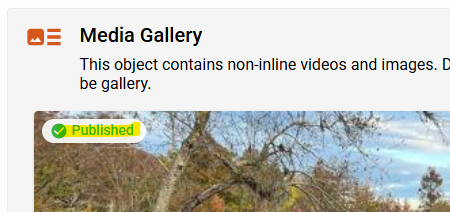
The media gallery thumbnail view now displays asset status chips (Draft, Published, Unpublished) directly on each preview image, giving editors at-a-glance visibility into content status. (CMSADMIN-1808)
Quick edit controls are now always available in the media gallery, even when only a single media item is present, ensuring editors can always adjust asset settings. (CMSADMIN-1809)
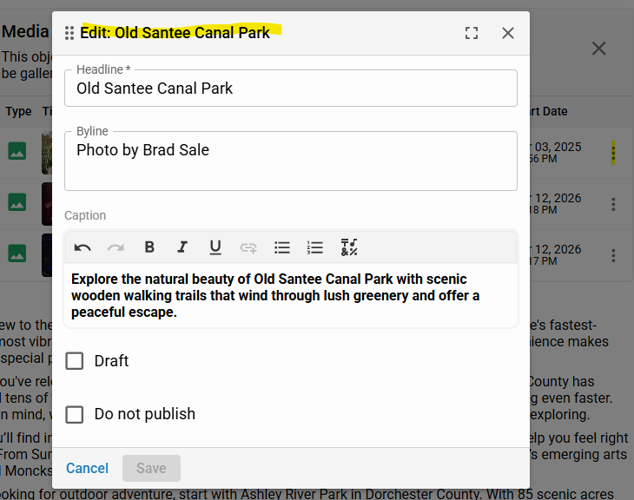
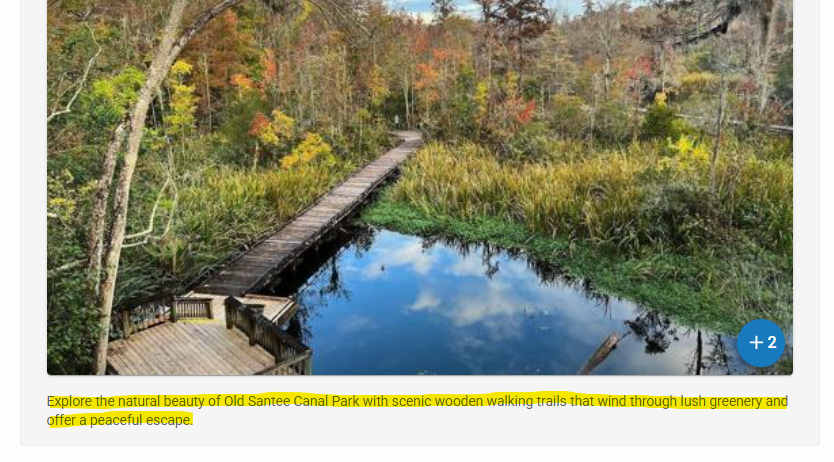
The caption for the first non-inline media gallery item is now displayed correctly in the article editor, consistent with how captions appear for inline assets. (CMSADMIN-1659)
More like this...
Editors can save any article as a story template and access the full template library via Templates search under the Assets menu. Customers in the BLOX NXT Beta Program can also select a template directly from the Create Asset modal at article creation time — a convenience that will be available to all sites in a future release. (CMSADMIN-641, CMSADMIN-1065, CMSADMIN-1703)
More like this...
As featured on
BLOX NXT releases version 0.26.0, introducing several new features such as Story Templates and a right-click context menu in the Relationships drawer. The Story Templates feature enables editors to establish a standardized format and layout for recurring article types to streamline their creation process.
