We're releasing an exciting new feature to BLOX Live e-Editions called the Clipping Tool. Users will be able to select an area of the e-Edition page, then save the image to their device or print it.
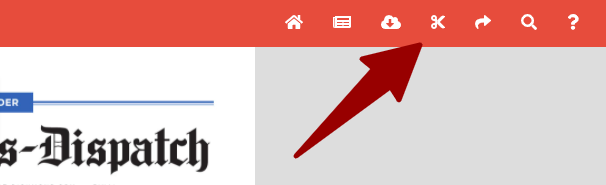
Look for the scissors icon on the upper-right of the navigation bar.
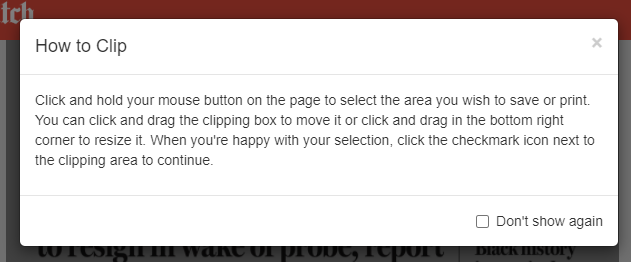
When a user clicks on the arrow, they will be given some instructions on how to use the clipping tool (which can be dismissed for future clips).
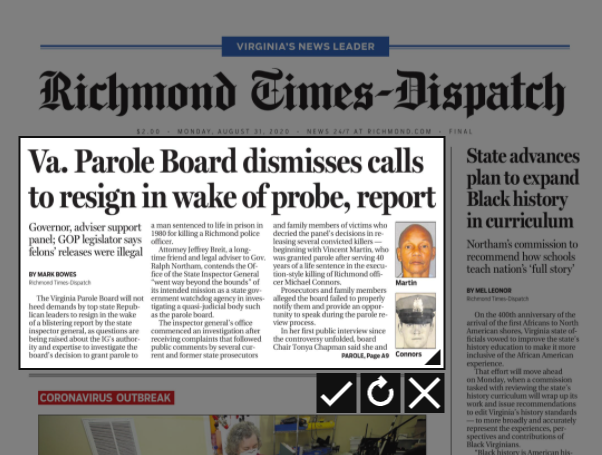
Next the user can click and drag a box on the page in order to designate the area of the page they want to save or print.
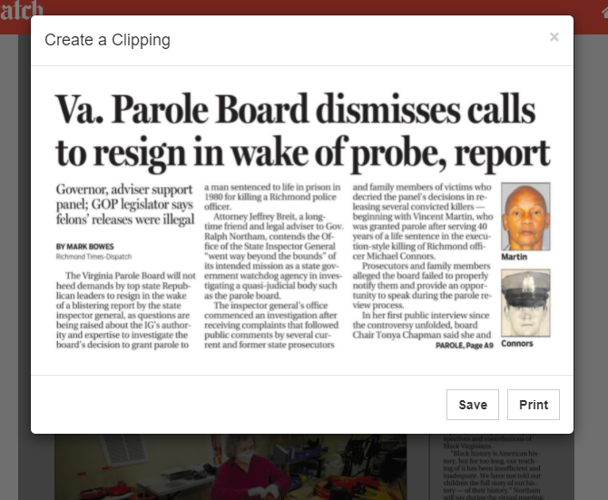
Afterwards, they are presented with their clip, which then can either print or download for saving.
This is a great way for readers to save or print crossword puzzles or stories that interest them.
Read the full release notes here.