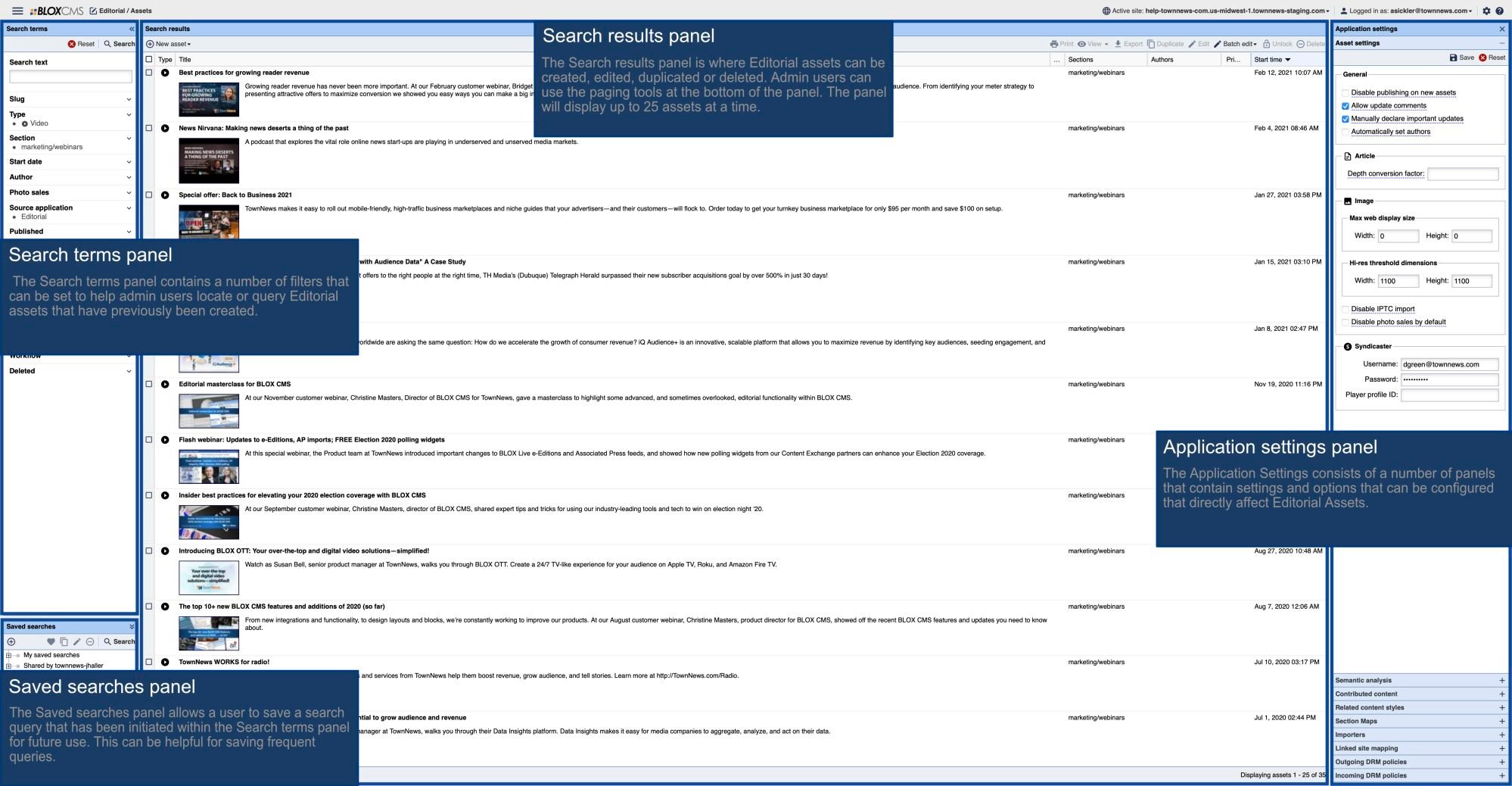


3663 Close all Documents and Log Out dialog.png
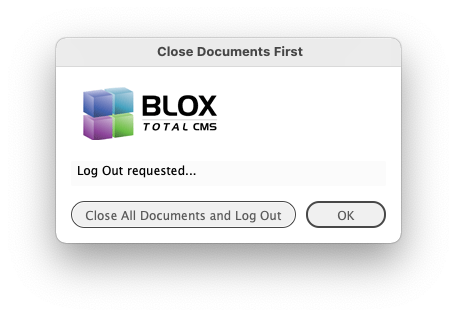
If you have any documents open and choose BLOX Total CMS > Log Out... you will be prompted with a dialog similar to the own shown above. Click the Close all Document and Log Out button and all documents will be automatically closed before the Log Out is completed. If you have your user preference to Prompt for Log In after Log Out (from the Dialogs tab of the BLOX Total CMS > Settings and Support... dialog) you will not be prompted to Log In, however.
As featured on
Client 5.59 adds some bug fixes for Distributed Production (now in Beta testing) as well as some custom features from site requests/needs.