


Applying Geometry
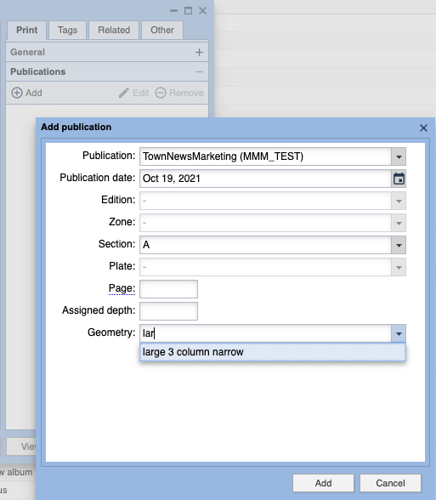
This image shows the Add/Edit Publications dialog where the user has typed a filter in the Geometry field to limit the display of the Geometry items available for use.
As featured on
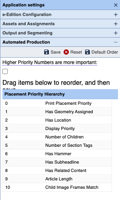
One of the ways that Automated Production works its way into everyday page production is via the selection of assets to place on a given page or in a given frame. Part of that process is governed with an asset's score. This document outlines how that score is calculated and thus how the BLOX Total CMS client for Adobe InDesign selects assets to place on the page using both Automated Production and the Budget View tabs.
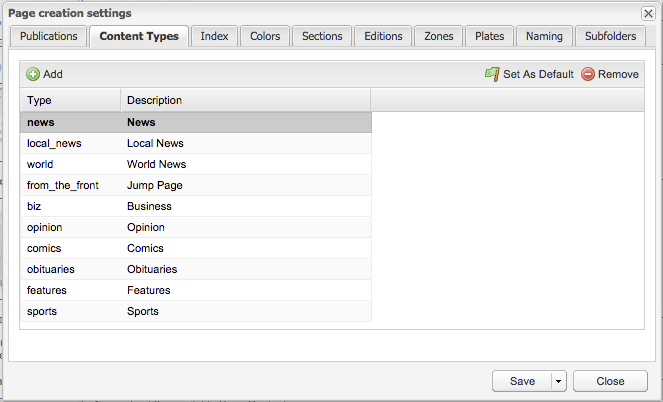
Adobe InDesign Design Element Snippets can be assigned as Geometry items in the browser based editor. When that is done, the snippet will be automatically placed on the page when the asset is placed on the page.