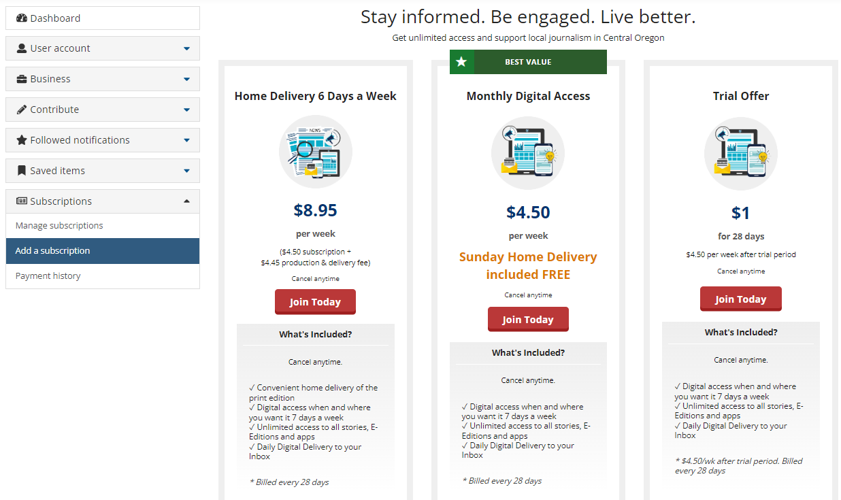
Audience+ allows you to take control of offers that users see in dashboard. Instead of showing all services and rates by default, you can curate which subscription offers are visible to logged-in users!
- To set this up, first begin by identifying the offers you want to display.
- If you have an existing group you want to use, proceed to the next step.
- If you would like to use separate offers and messaging, follow the instructions in this help doc for creating a new offer group and a rule to activate it.
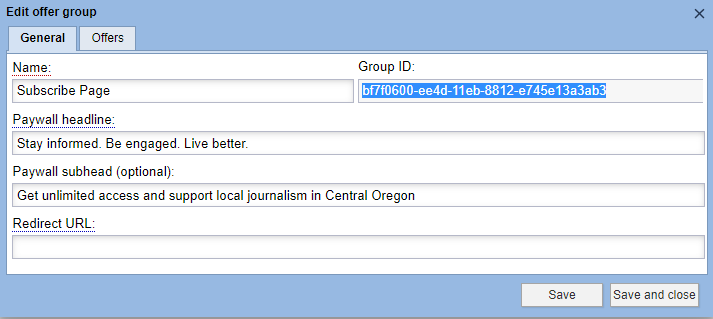
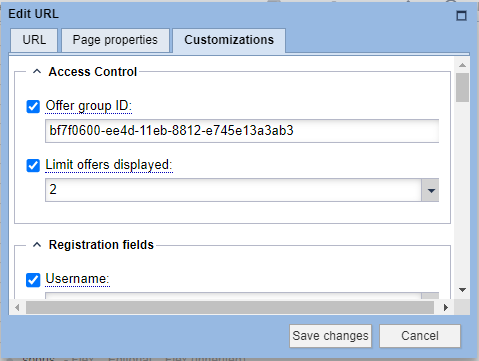
- In Access Control, copy the Group ID of the offer group you want to show in the user dashboard.