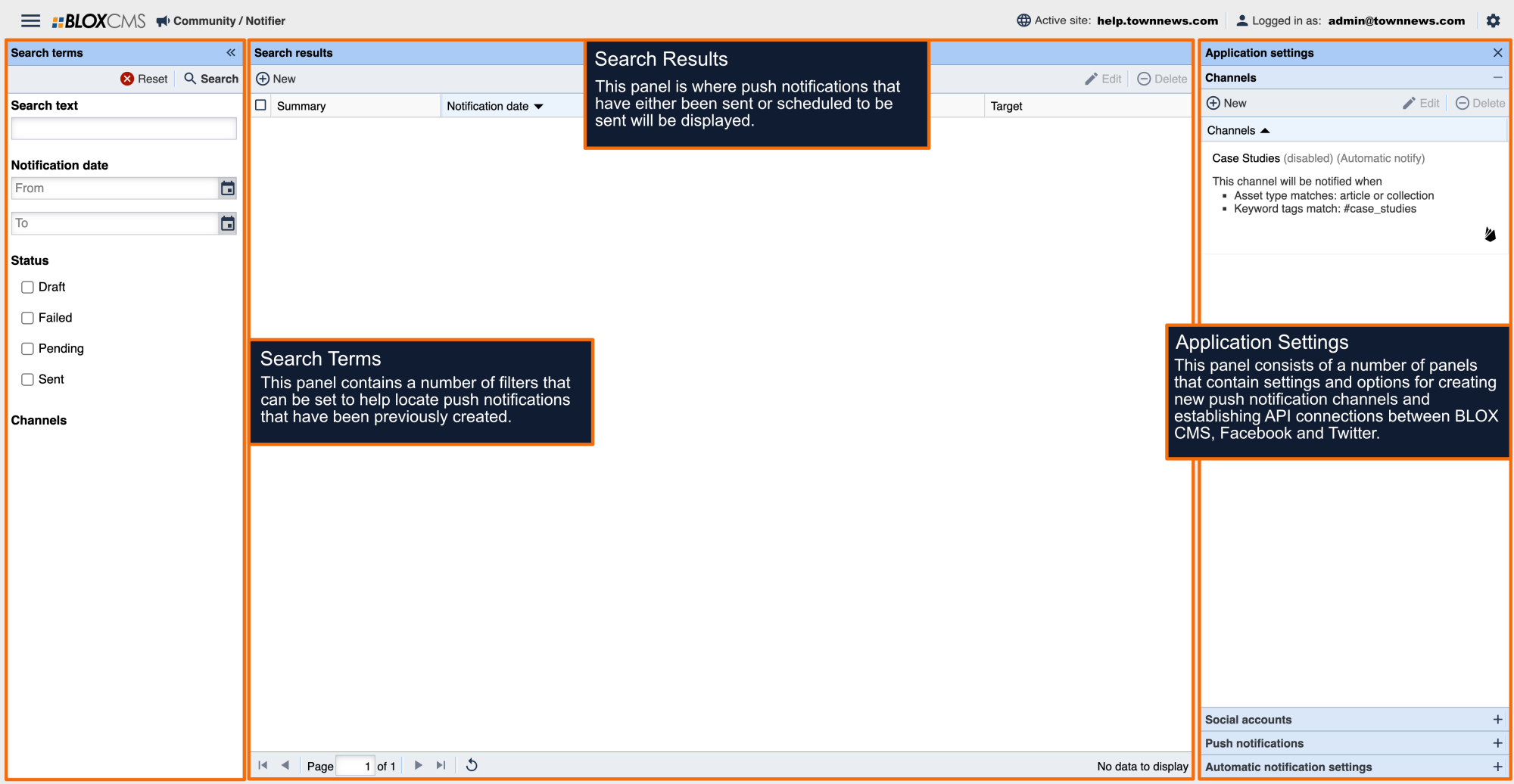
This guide walks through the setup, configuration, and testing of Linked Notifier Channels—a feature that allows a hub site to send messages directly to channels on associated sites. These linked channels behave like local Notifier channels while handling all cross-domain communication behind the scenes.
1. Overview
Linked Notifier Channels enable a hub site to create channels that automatically target channels on associated (linked) sites. When a message is scheduled:
A remote message is generated on the destination site at the appointed start time.
The message is delivered as soon as the associated asset is syndicated and visible on the frontend.
The local message on the hub can be modified until delivery—no need to locate or manage the remote version.
This replaces traditional hub-to-site calls and simplifies the workflow for multi-site organizations.
2. Prerequisites
Before creating or testing linked channels, verify the following:
✔ Linked Sites are configured
Use the Linked Sites feature in the BLOX CMS to link your hub and destination sites.
✔ Destination sites have Notifier channels
Each linked site must have at least one Notifier channel created so it can be selected as a target.
✔ Hub site has permission to view linked channels
Once sites are linked, the hub should see all available remote channels when creating a new Notifier channel.
3. Setting Up Linked Notifier Channels
Step 1 — Link the Sites
In BLOX CMS, navigate to Linked Sites.
Add one or more associated sites.
Confirm connectivity between sites.
Step 2 — Configure Remote Channels
On each destination (linked) site:
Go to Notifier → Channels.
Create or verify existing channels that can be targeted by the hub.
Step 3 — Create a Linked Channel on the Hub Site
Go to Notifier → Channels → New Channel.
You will now see a list of remote channels from all linked sites.
Select one or more remote channels to associate with the new hub channel.
Save the channel.
You now have a Linked Notifier Channel.
4. Creating and Scheduling Messages
Linked channels behave like local channels. You can schedule:
Important Requirements
For asset-based messages, you must push the asset to the remote site separately.
The remote message will not publish until the asset exists and is visible.
For URL-based messages, the system does not depend on asset syndication.