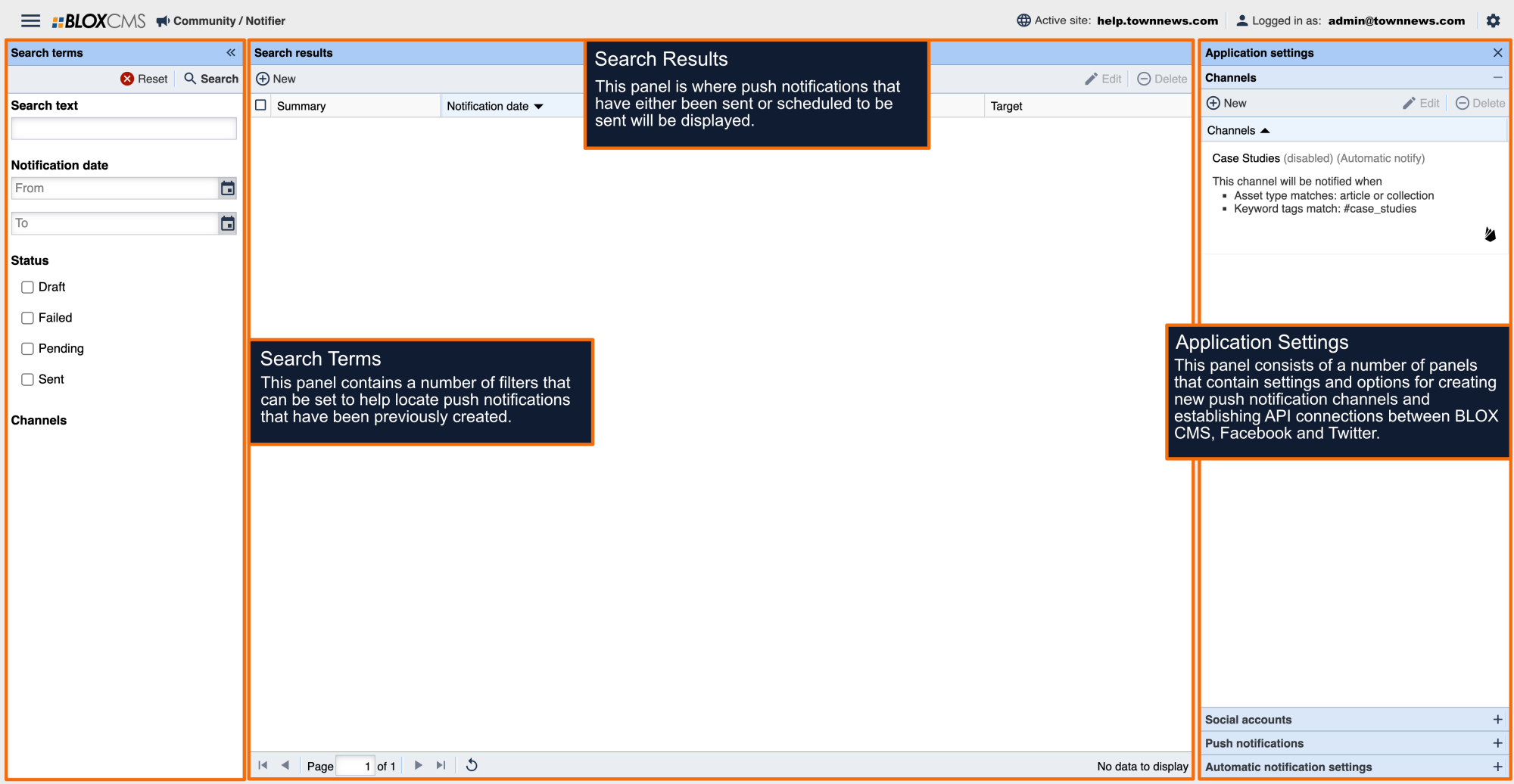
If you no longer want to publish to a connected social media account, you can remove the connection from Notifier. Removing a connection disconnects Notifier from that account and deletes any connection-specific data stored for it.
Important: Removing a social connection does not delete posts that have already been published to the social media platform.
Before You Begin
Before removing a social connection:
- Verify that the account is no longer being used by scheduled or recurring notifications.
- If necessary, update any notifications that publish to the connected account.
Remove a Social Connection
- Open Notifier.
- Navigate to Application Settings > Social Accounts.
- Locate the social account you want to remove.
- Click the social account you want to remove.
- Select Disconnect.
- Review the confirmation message.
- Click Yes to confirm.
The social account will be disconnected immediately.
What Data Is Removed?
When a social connection is removed, Notifier deletes data associated with that connection, including:
- OAuth access and refresh tokens
- Account authorization information
- All account data for the connection
What Data Is Not Removed?
Removing a connection does not:
- Delete posts that have already been published to the social platform.
- Remove the social account from the social media platform itself.
Reconnect an Account
If you need to publish to the account again, simply reconnect it:
Go to Account Settings > Social accounts .
- Select Connect > Preferred social platform.
- Sign in to the social platform.
- Grant the requested permissions.
A new connection will be created.
Frequently Asked Questions
Can I reconnect the same account later?
Yes. You can reconnect the account at any time by completing the authorization process again.
Will my existing social media posts be deleted?
No. Posts already published remain on the social platform until they are deleted there.
Will scheduled notifications continue to publish?
No. Any notification that targets a removed social connection must be updated to use another connected account before it can be published successfully.