



Subscribers who enjoy the e-Edition through Mobile NX benefit from our reader designed for a phone or tablet. One of the features of this reader is the ability to share or print individual pages or full e-Editions straight from their device. This is a quick and easy way to share content with their contacts.

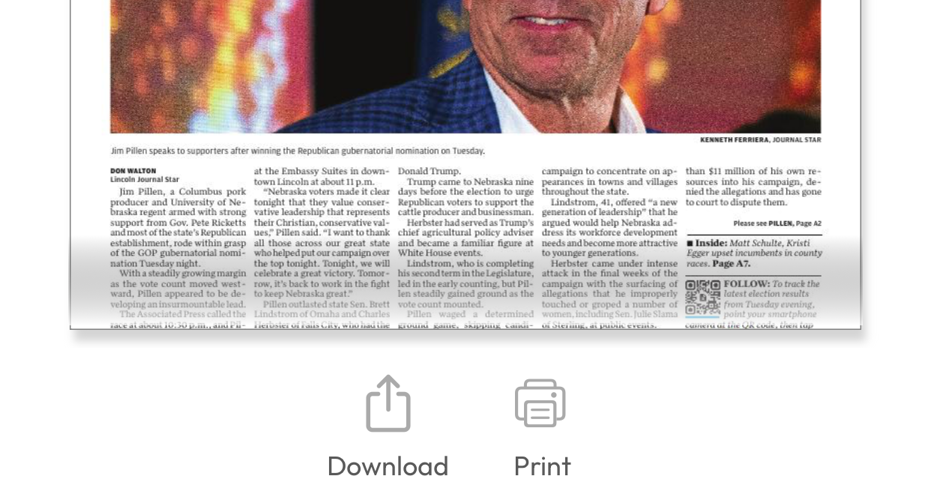
Publication view with the “Download” and “Print” options enabled.
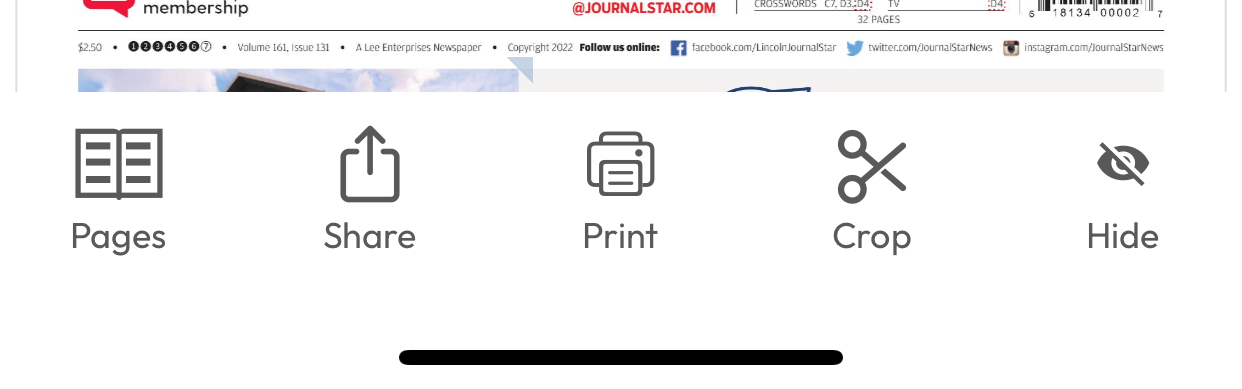
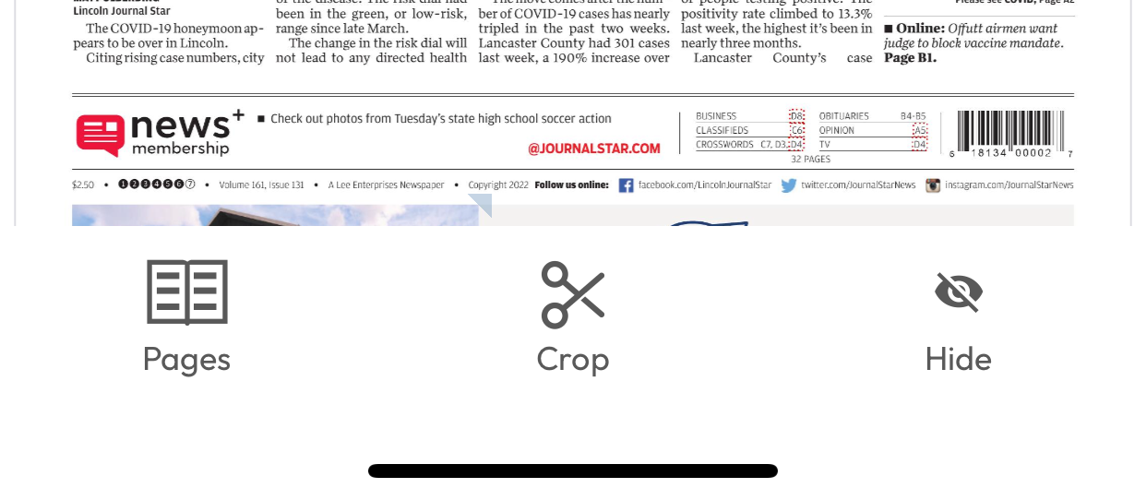
Issue view with the “Print” and “Share” options enabled.
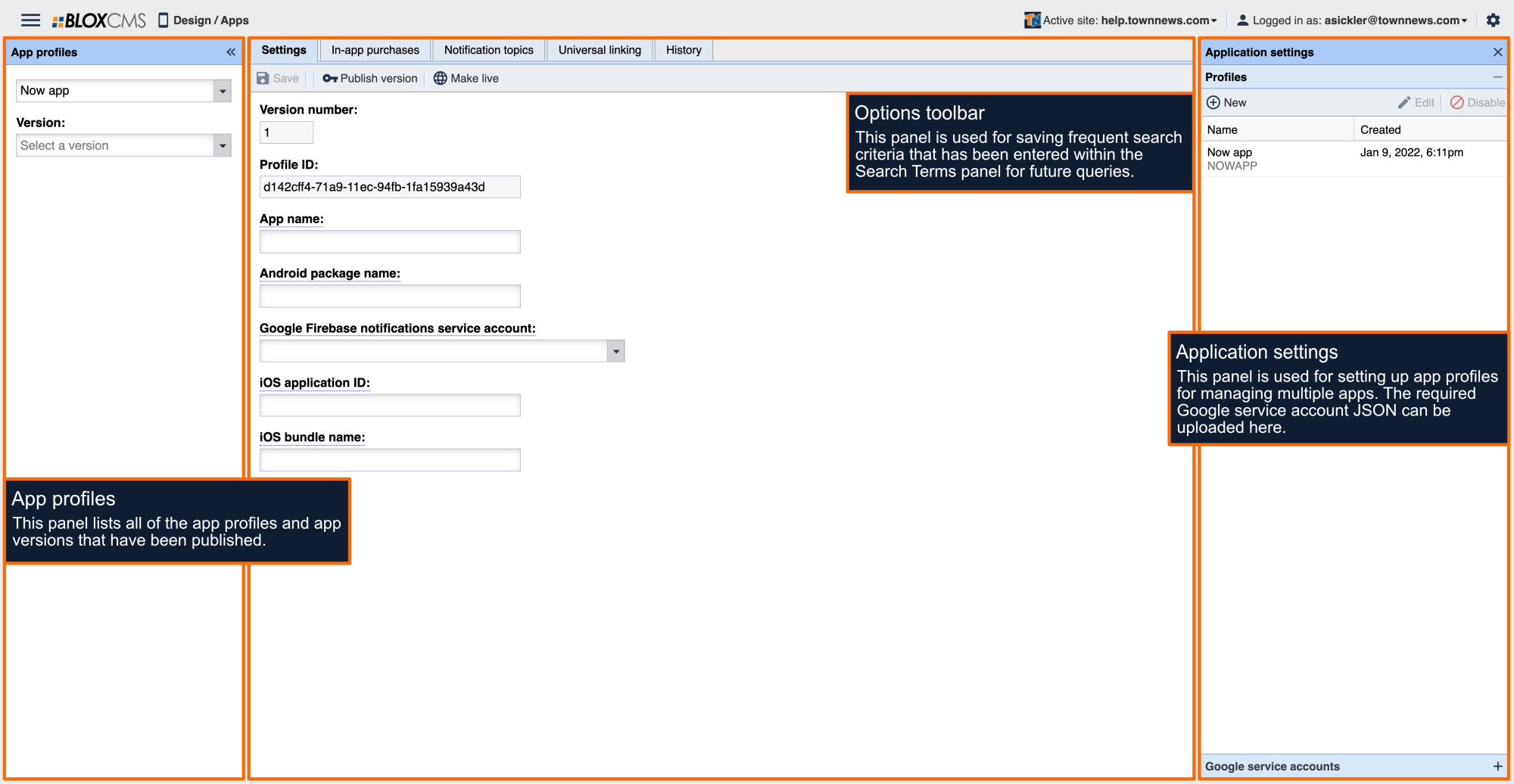
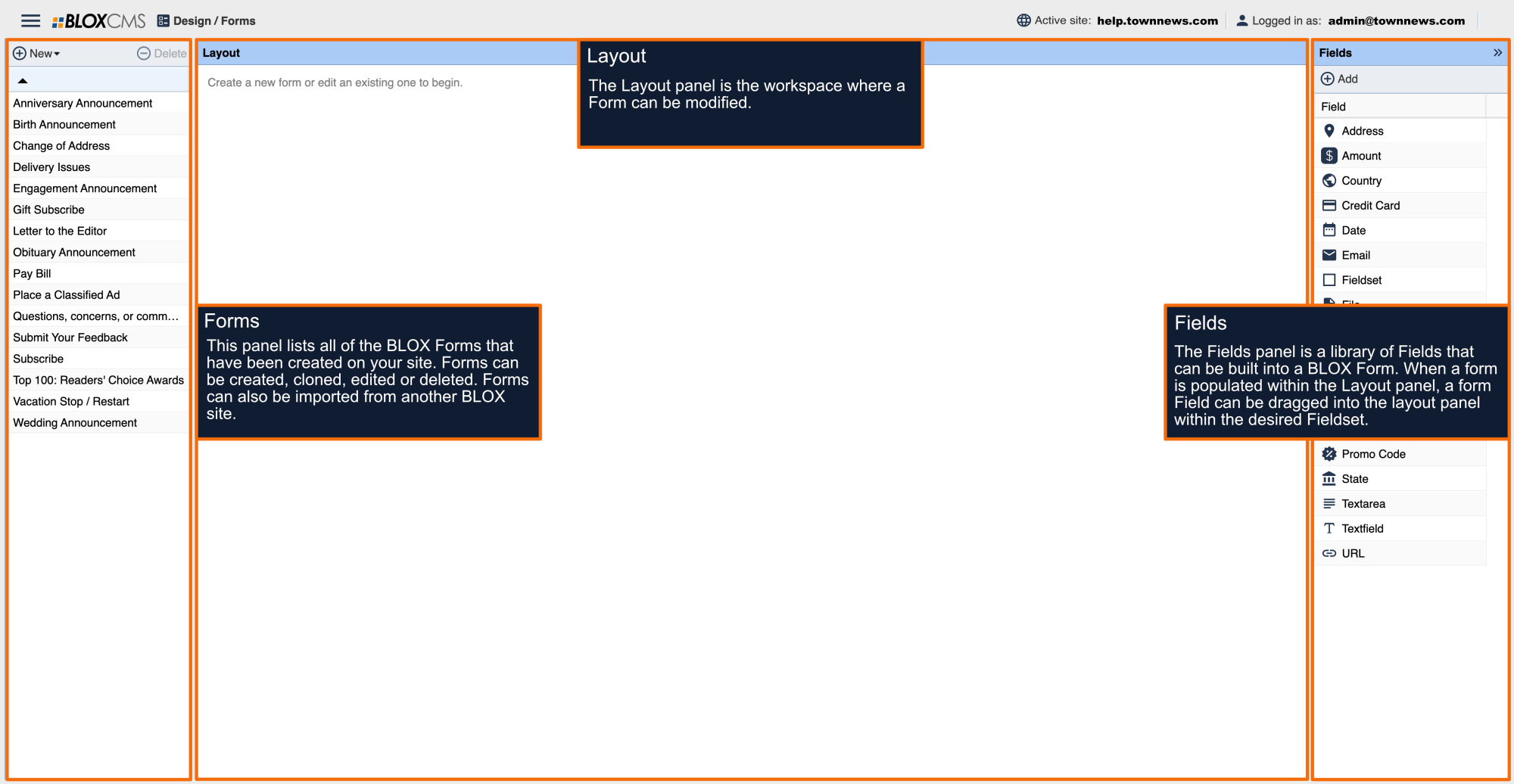
An app manager may want to remove this feature due to extensive sharing or piracy of content. To disable printing and sharing on the Mobile NX e-Edition reader follow the directions below.
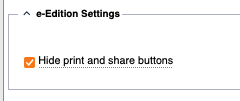
As described in step 3, the ‘Hide print and share buttons’ option.

Publication view with the “Download” and “Print” options disabled.

Issue view with the “Print” and “Share” options disabled.