What are Fieldsets?
Fieldsets are containers that are used to group the various Form Fields within a form. A form can be created using a single Fieldset, but we recommend using multiple Fieldsets to provide organization to the form, lending to a better user-experience. Once the Fieldsets are correctly in place, they can then be populated with their respective Form Fields.
How to add a new Fieldset
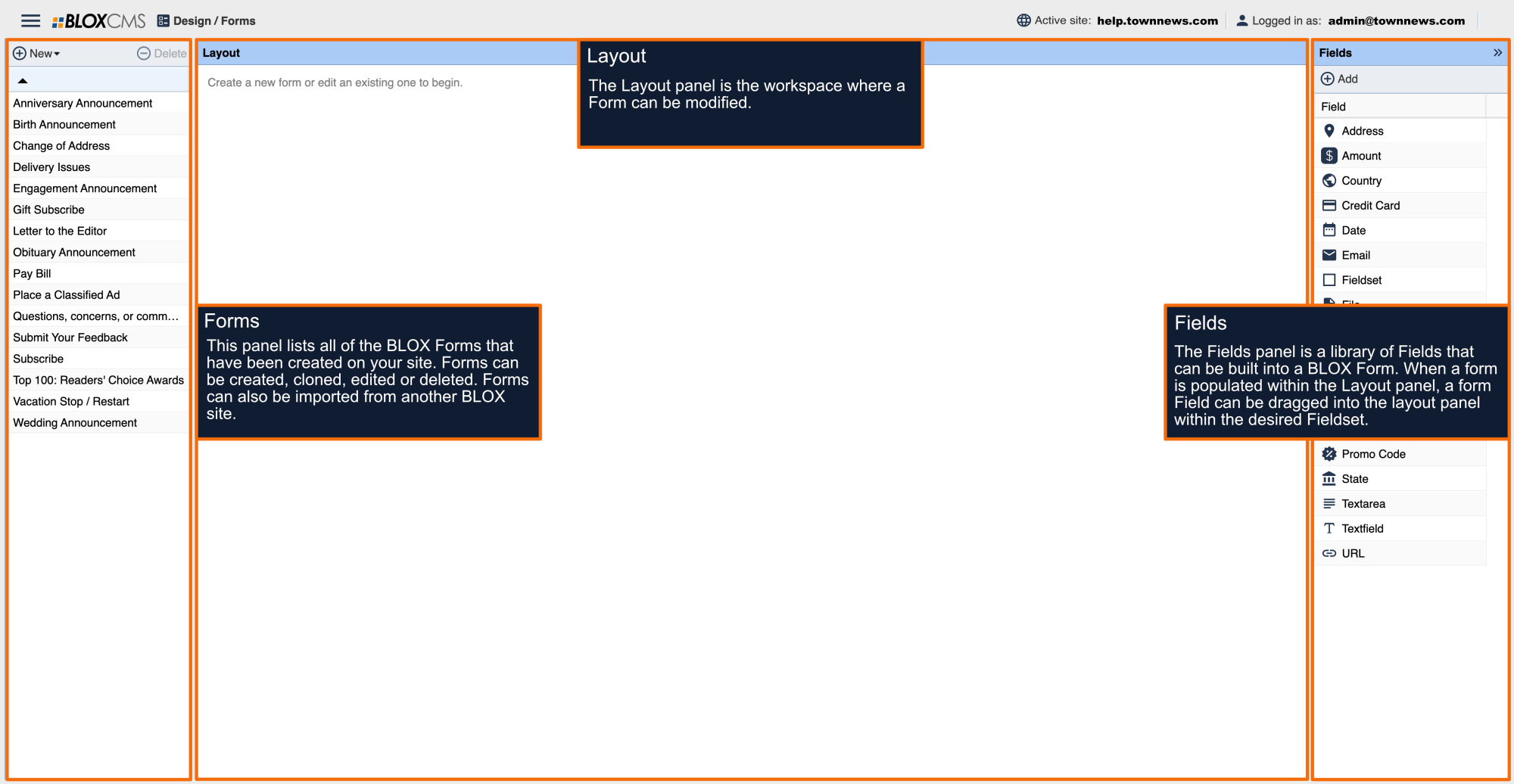
To add a new Fieldset, within the Fields panel, simply drag the Fieldset option into the Layout panel to the desired location. Fieldsets will automatically feature the name "Fieldset", followed by the number of the Fieldset.
If placement is incorrect, Fieldsets can be moved-freely within the Layout panel workspace using the same drag-and-drop method. Once completed, Form Fields can then be added to their respective Fieldsets.
How to rename a Fieldset
To rename the name of a Fieldset, double-click on the name of the Fieldset to populate the Edit Fieldset panel. Field names have a 200-character limit to prevent improper saving.
Within the Description field, details can be included for each Fieldset.
Select OK to finalize your changes.
How to delete a Fieldset
To delete a Fieldset, within the Layout panel, highlight the Fieldset (as indicated by the Fieldset name turning from black to blue) and then select the Delete option within the Layout toolbar.