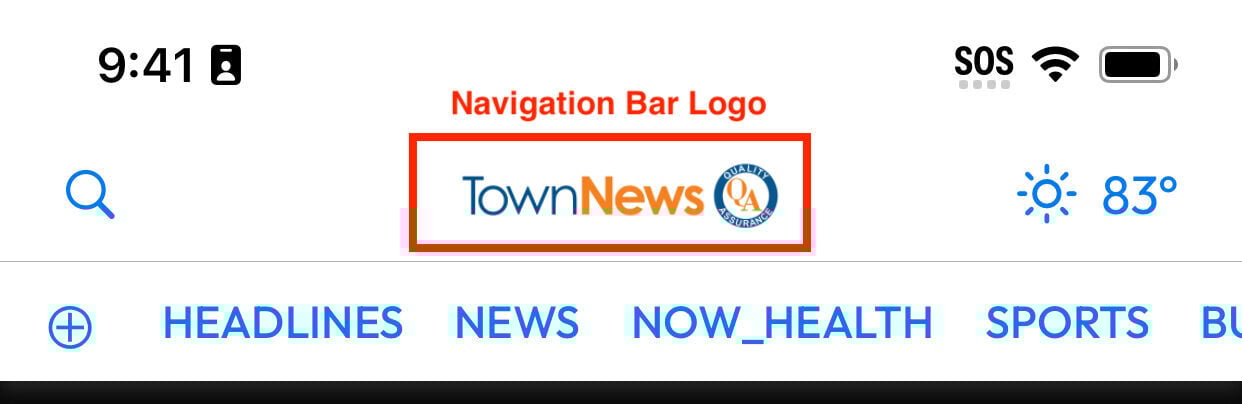
You may wish to update your branding within your Mobile NX app. One of the assets you may wish to change is the navigation bar logo or app logo which appears at the top middle of the app. This is an important piece of branding material which users will see on every app open and throughout the app.
With previous versions, a new app build and submission to the Apple App Store and/or Google Play Store was required. Starting in Mobile NX version 1.8.0, this logo will no longer require a new app build. It can be updated instantly from the AppMan panel!
Please note: This change is not required for the app. As part of the BLOX onboarding process, an app header logo is collected and bundled with the app. This will be used as the default header logo. If you wish to change the logo after launch or to test a new logo this provides an easy way to do so.
Pre-requisites
App header logo, png 762 x 174
Setup Instructions
As described in step 3, the “header logo” option
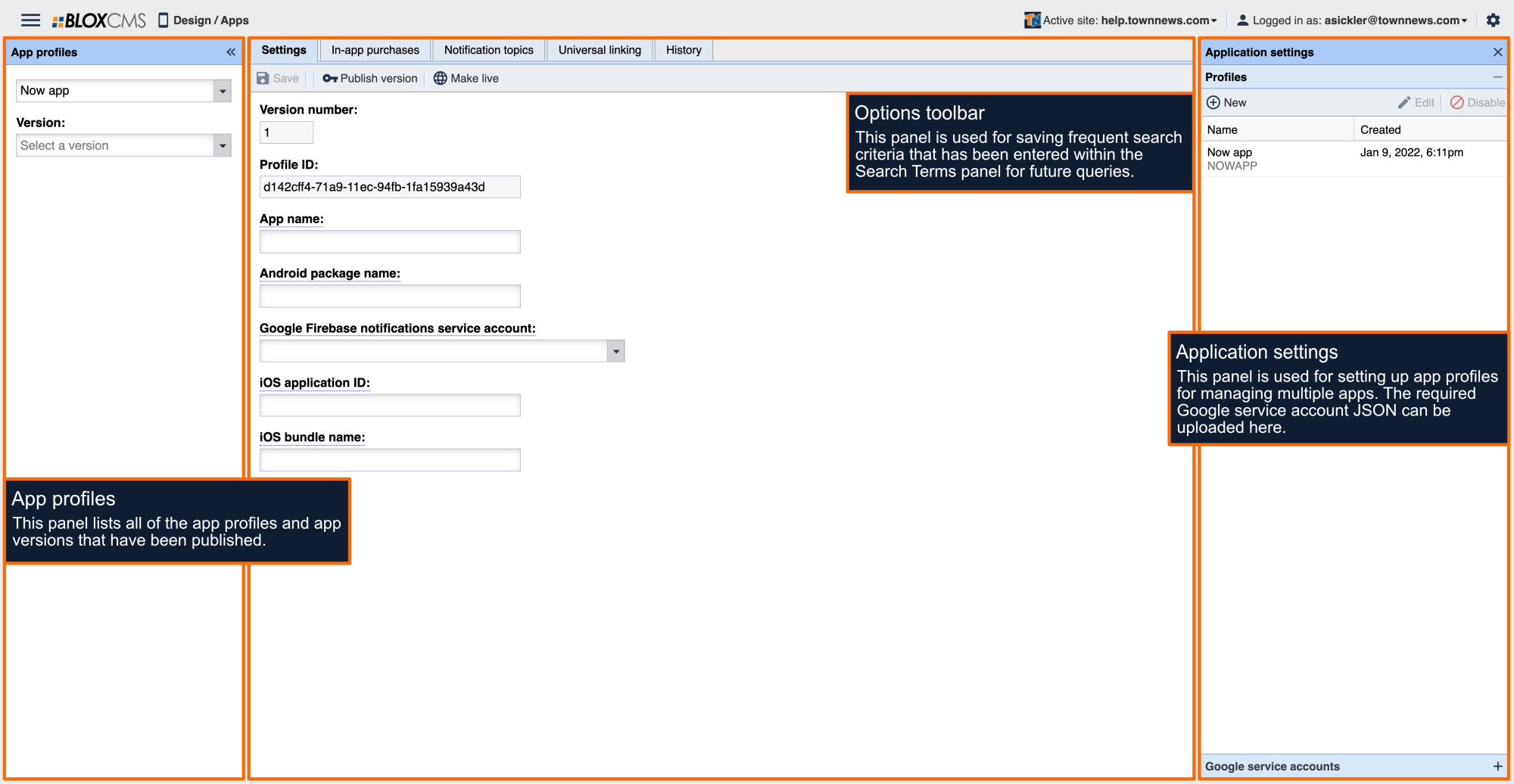
Click “Apps”
Ensure the desired app’s profile is selected
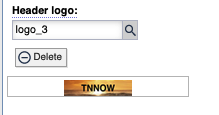
Under “Configuration”, navigate to the field titled “Header logo”
Upload the app header logo or select an existing logo from the asset library
Click “Save” at the top
Click “Make Live” when you wish for the changes to take effect. Note: The app should reflect the change roughly 5 minutes after the profile has been made live.