
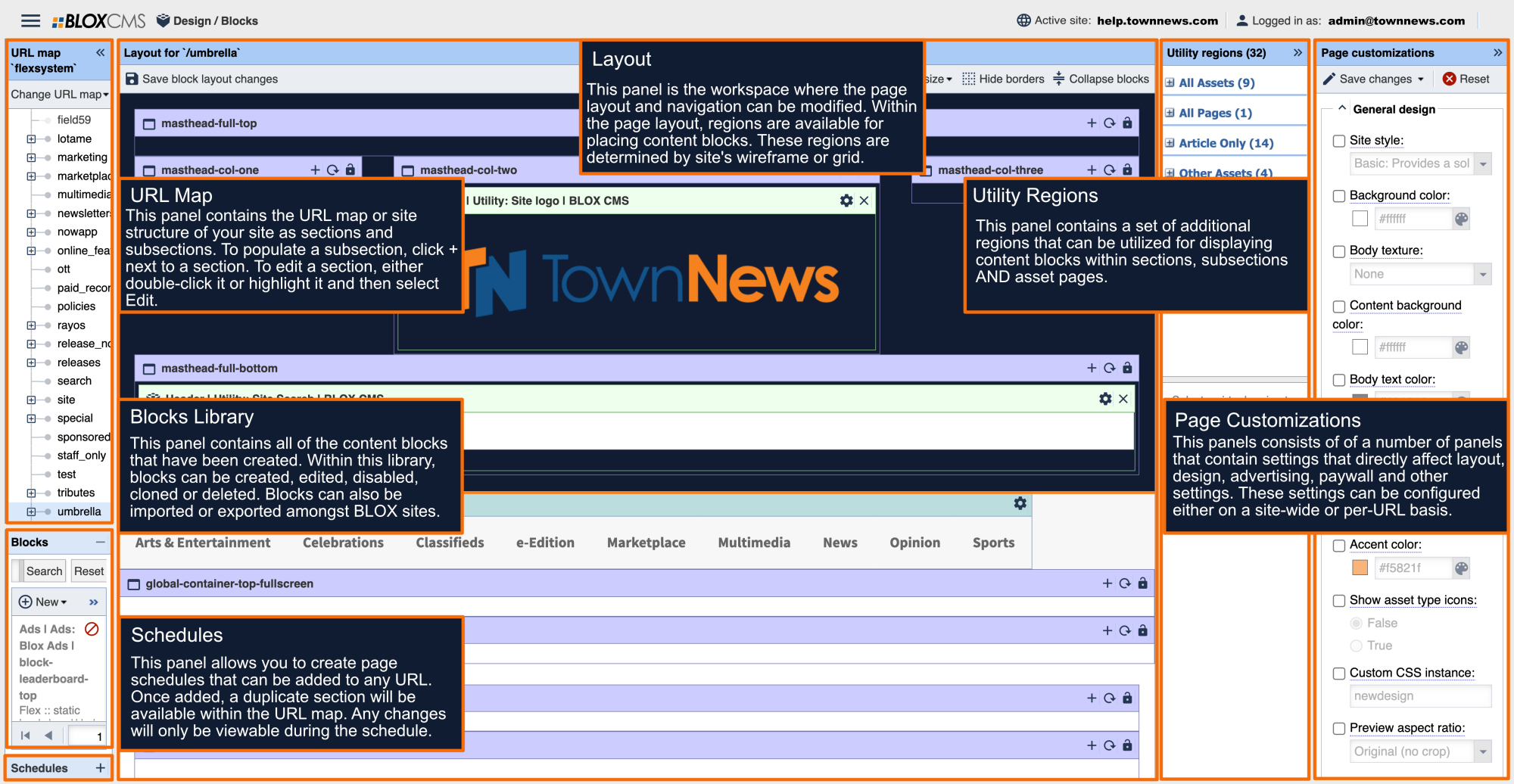




view time-specific front page preview
View time-specific front page preview
|
You can preview what this page will look like by going to the upper right corner of the BLOX admin, clicking on the down arrow beside Active Site and choose Preview Specific Time. You will set the date and time you want to see in the future, and click Preview. This will take you to the homepage, and the URL will look something like this: https://admin-chicago2.bloxcms.com/example.com/tncms/admin/action/main/preview/site/2015-10-03T04%3A28%3A00Z/-/ You will need to type the rest of the URL of the page you actually want to view. In our example we would add /news/health, to make our URL: https://admin-chicago2.bloxcms.com/example.com/tncms/admin/action/main/preview/site/2015-10-03T04%3A28%3A00Z/-/news/health |
As featured on
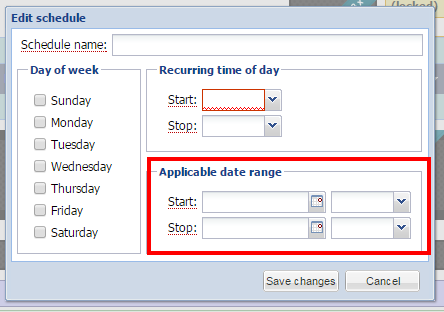
Using Schedules in Design / Blocks, you can create a date and time range where a page on your website can be replaced with a custom webpage. This can be used to create custom pages for sports (Friday Night Varsity Football games), or setting up custom pages centered around events Breast Cancer Awareness Month, or creating special pages for holidays (Halloween, Christmas, News Years Eve, etc.).


