



Visual Instructions for Basic Import of States Newsroom
- Navigate to the Editorial > Syndication application.
- Click on the gear icon in the top right corner.
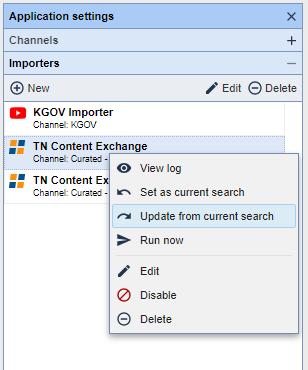
- Expand the importer tab by clicking the plus sign.
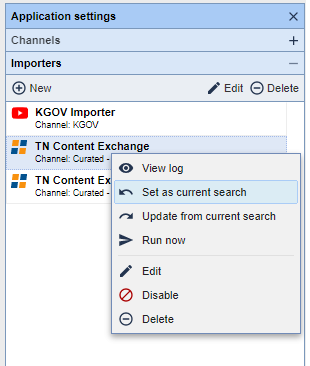
- Right click on the TN Content Exchange Importer and select set as current search.
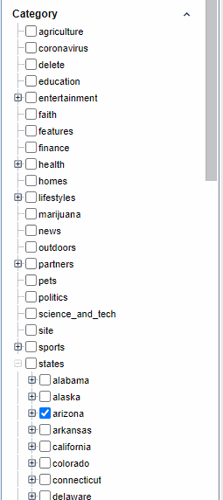
- In the search field to the left, expand the 'states' category.
- Select the state that you want to receive content from.
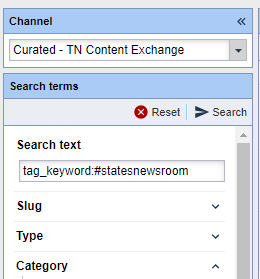
- In the search text bar, type ‘tag_keyword:#statesnewsroom’
- Right-click on the TN Content Exchange importer and select "Update from current search."
NOTE: States Newsroom content will automatically be added to existing state categories. If you already are importing from those categories, no changes are needed.