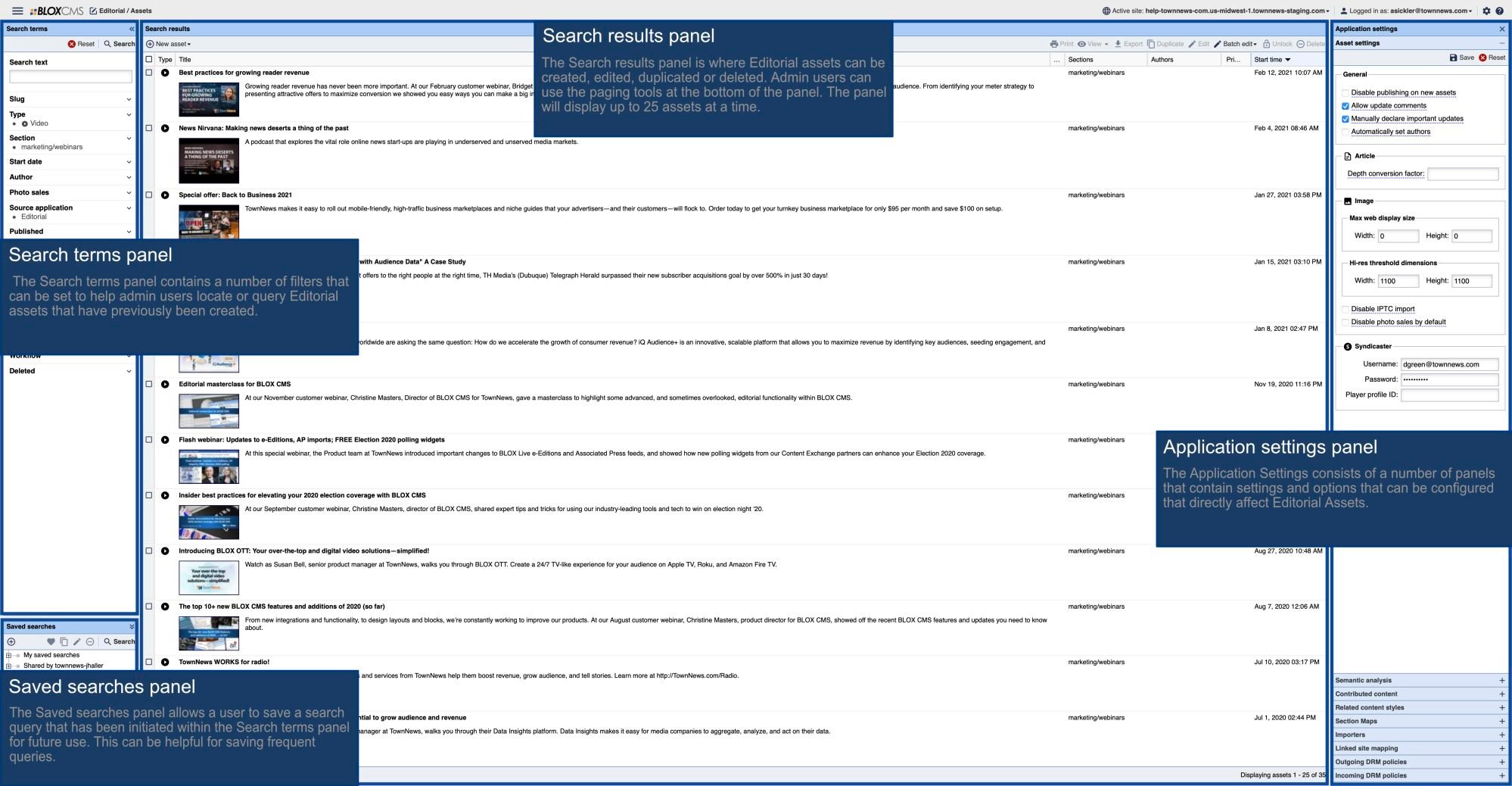



- Navigate to the Editorial > Syndication application.
- Click on the gear icon in the top right corner.
- Expand the importer tab by clicking the plus sign.
- Right click on the TN Content Exchange Importer and select set as current search.
- In the search field to the left, expand the 'partners' category.
- Select the ‘The Conversation’ checkbox.
- Right-click on the TN Content Exchange importer and select "Update from current search."
Get The Conversation's Content