Photo Gallery for BLOX NXT 0.21.0
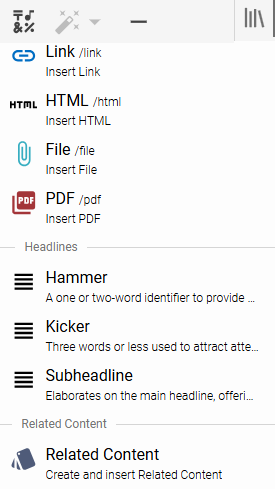
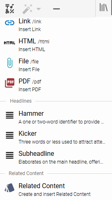
Editors can now insert Related Content styles directly into their stories using the formatting tools in the rich text editor. These styles can be used to insert editorial notes, bios, corrections, info boxes, and more—matching the behavior in the classic BLOX CMS editor. The Related Content style option can be chosen either from the insert option on the formatting pallet (pictured) or from a slash "/" command from the inline floating action button.
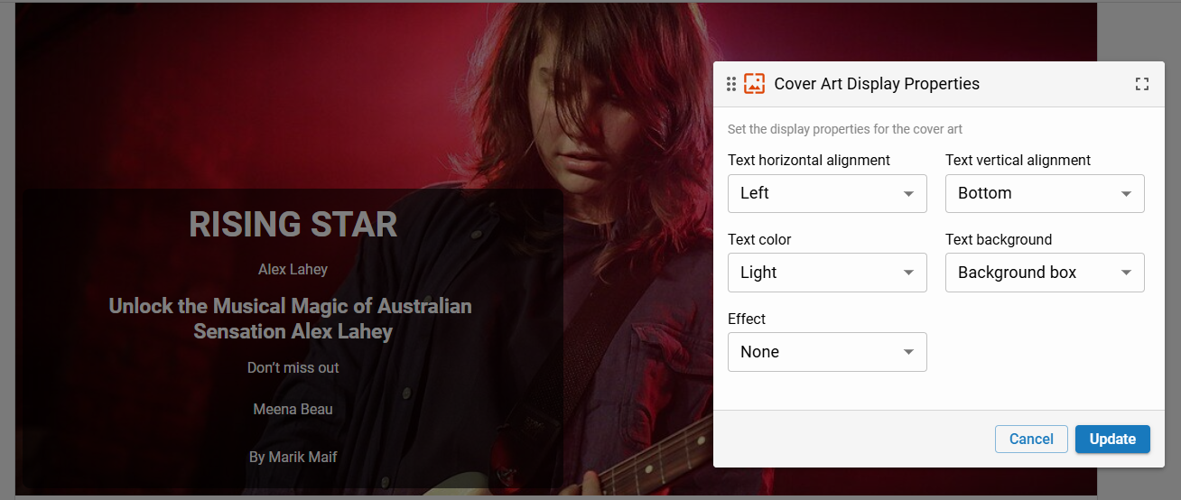
Editors can now add Cover Art to stories directly within the rich-text editor. Cover Art can be added from the insert "+" menu or the floating insert bar. Once added, it appears at the top of the article form and is also accessible via the left drawer navigation. Additional styling, as shown here, can be applied to the image once applied to an article.
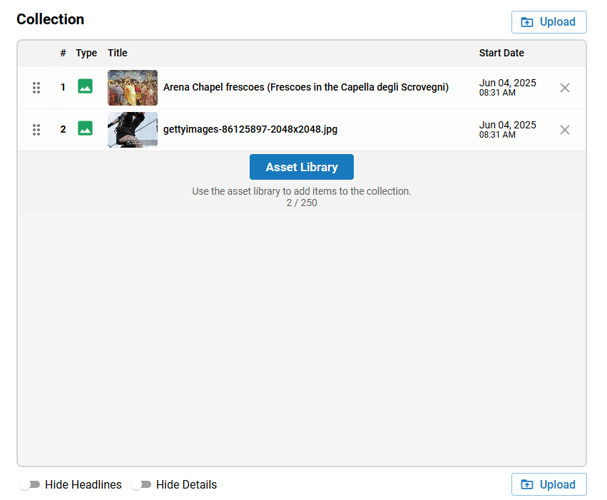
We’ve improved how images are added to Collections. Previously, images had to be selected from the Asset Library, which didn’t align with common workflows like uploading directly from a device. With this update, editors can now drag and drop images directly into the Collection image field—just like with standard Image assets, and if the Collection already contains images, a “+ Add” button will appear, letting you launch your device’s file picker to upload more.
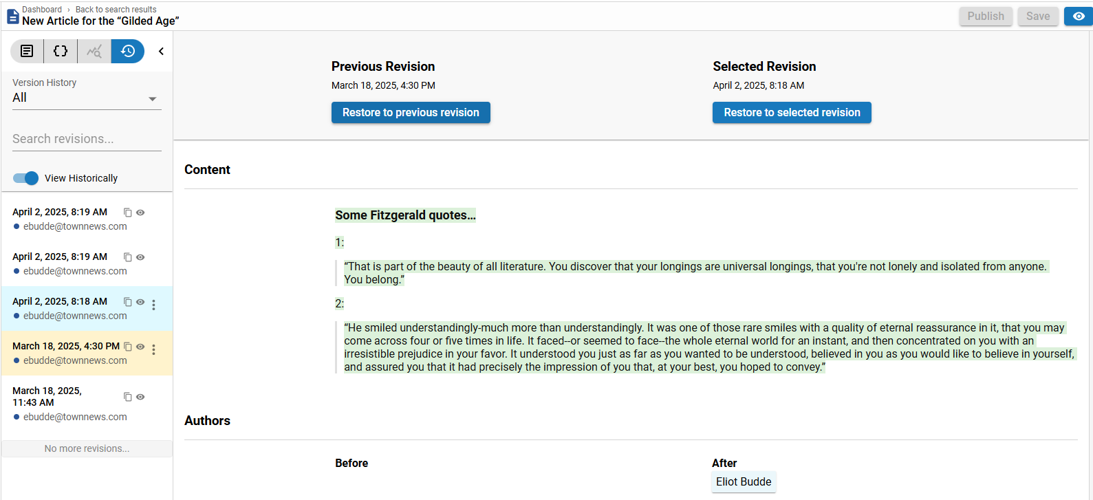
We’ve upgraded Revision History in NXT to include visual content diffing for the Content / Body Copy field, which is a major step up from legacy BLOX, which only supported manual, side-by-side comparisons.
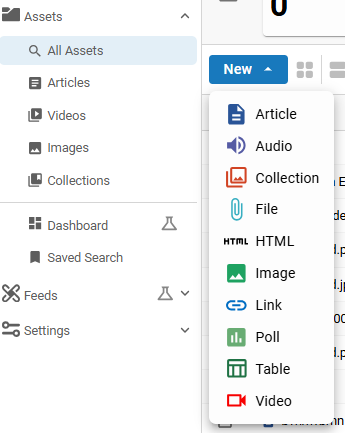
We’ve updated the sidebar menus in the Community and Content Management apps to make it easier for users to locate and search for specific types of content—without needing to rely on advanced filters.
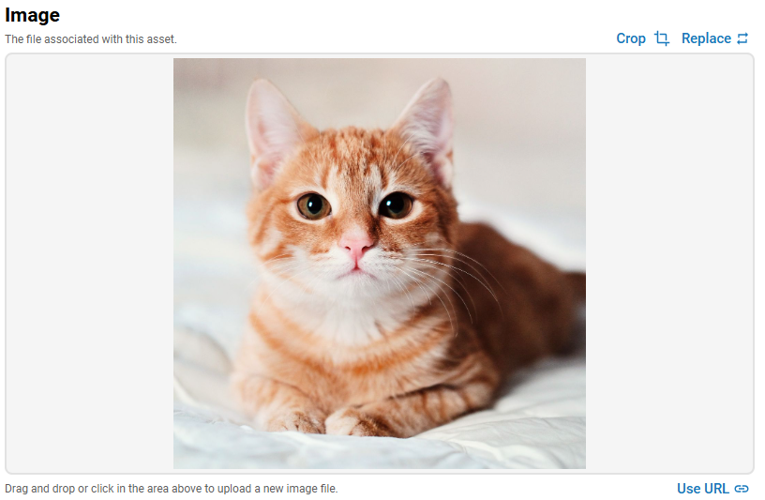
Editors can now crop images directly from the Image Asset page and Teaser Photos to control how they appear on asset landing pages. This crop is saved separately and does not affect teaser crops or the original image.
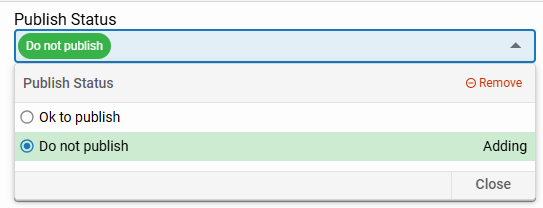
We’ve expanded the batch editing capabilities in the NXT to include two additional fields: Publish Status and Workflow. This update builds on previous work that enabled bulk editing of Sections, Flags, and more.
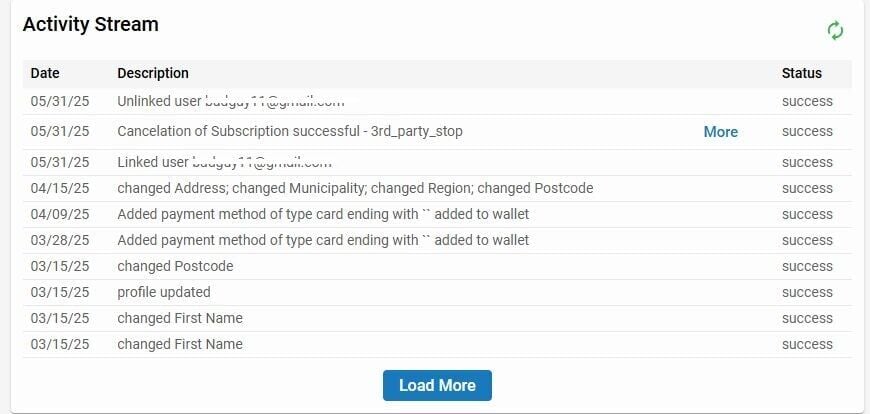
We’ve updated the Activity Stream in the single customer view of NXT Contacts to include a "Load More" button when additional data is available. BLOX admin usernames, such as customer service representatives, are now displayed alongside activity entries, making it easier to track who made each change.
More like this...
Editors can now insert Related Content styles directly into their stories using the formatting tools in the rich text editor. These styles can be used to insert editorial notes, bios, corrections, info boxes, and more—matching the behavior in the classic BLOX CMS editor. The Related Content style option can be chosen either from the insert option on the formatting pallet (pictured) or from a slash "/" command from the inline floating action button.
Editors can now add Cover Art to stories directly within the rich-text editor. Cover Art can be added from the insert "+" menu or the floating insert bar. Once added, it appears at the top of the article form and is also accessible via the left drawer navigation. Additional styling, as shown here, can be applied to the image once applied to an article.
We’ve improved how images are added to Collections. Previously, images had to be selected from the Asset Library, which didn’t align with common workflows like uploading directly from a device. With this update, editors can now drag and drop images directly into the Collection image field—just like with standard Image assets, and if the Collection already contains images, a “+ Add” button will appear, letting you launch your device’s file picker to upload more.
We’ve upgraded Revision History in NXT to include visual content diffing for the Content / Body Copy field, which is a major step up from legacy BLOX, which only supported manual, side-by-side comparisons.
We’ve updated the sidebar menus in the Community and Content Management apps to make it easier for users to locate and search for specific types of content—without needing to rely on advanced filters.
Editors can now crop images directly from the Image Asset page and Teaser Photos to control how they appear on asset landing pages. This crop is saved separately and does not affect teaser crops or the original image.
We’ve expanded the batch editing capabilities in the NXT to include two additional fields: Publish Status and Workflow. This update builds on previous work that enabled bulk editing of Sections, Flags, and more.
We’ve updated the Activity Stream in the single customer view of NXT Contacts to include a "Load More" button when additional data is available. BLOX admin usernames, such as customer service representatives, are now displayed alongside activity entries, making it easier to track who made each change.
More like this...
townnews-ppracht
Get email notifications on {{subject}} daily!
{{description}}
Email notifications are only sent once a day, and only if there are new matching items.
Followed notifications
Please log in to use this feature
Log InAs featured on
In this release of BLOX NXT (version 0.21.0), we have introduced a range of editorial and design enhancements aimed at improving usability, workflow efficiency, and editorial flexibility.
On the data and community side, the release enhances user experience with smarter KPI indicators, a more intuitive Activity Stream (with load-more functionality and user attribution), and UI upgrades to the navigation menus and design tools.