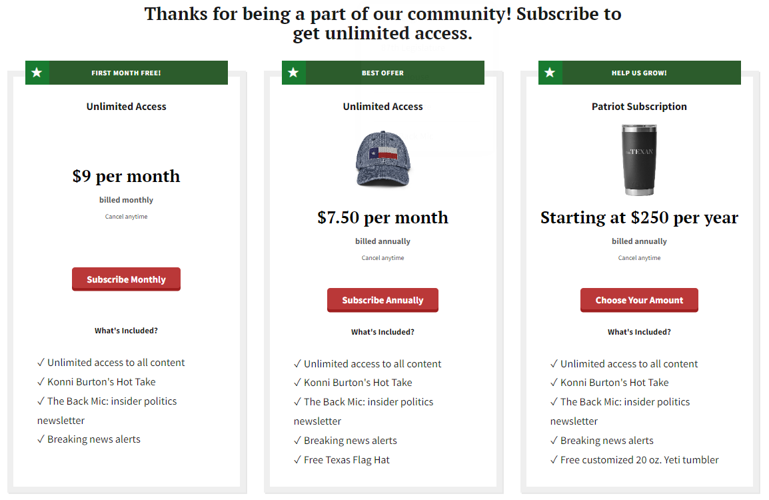
BLOX Digital has been hard at work over the last several years making improvements to checkout flows with our dynamic subscription audience platform, Audience+.
As a best practice to grow monthly recurring revenue, we recommend running low-cost, paid introductory offers that automatically transition to higher monthly rates. But if you’re interested in testing free subscription trials, you have a couple of options.
Free Trial requiring a credit card
The most successful free trials automatically convert to a paid trial after the free period. This is the experience with free trials in the Apple store. To do this, you need to ask for the credit card up front during the checkout process.
- In the Subscriptions admin, create a new Subscription type service to run your Free Trial.
- Make sure you set up a notification email and add a description with bullet points on what users get with their subscription.
- On the Configure tab, locate the Trial Length field. Enter the # of days a user should get access for free. This trial period will apply to all rates associated with this service.
- Fill out the remainder of the Configure tab. Make sure to:
- Select the right payment handler.
- Select a grace period.
- Set Recurring payments and Force recurring payments both to Yes.
- Fill out comment 1 and 2 fields for reporting/billing.
- Fill out the email notifications tab and complete the rest of the setup.
- On the Purchase Rates tab, create the rate(s) for your free trial. These rates will go into effect AFTER the trial period you designate.
- Set up Transitions for future price increases if you wish.
NOTE: Any time you create new Service, you need to add it to all of your Method Groups in Access Control. This tells Audience+ that your new trial service is one Method a user can be part of to get past each wall.
What happens in the background
- When a subscriber signs up to purchase, they will be charged the amount of the rate, then the amount will be voided.
- After the free trial days have passed, the user will be automatically charged for the rate they signed up on.
Promote your Free Trial in Audience+
In Audience+, you can personalize your paywall and landing pages by targeting different audience groups with different offers. For example, you may wish to offer a Free Trial only to users running Ad Blockers.
- Begin by navigating to Access Control in BLOX CMS.
- Locate your Ad Blocker rule in the list, and double click it.
- In the rules panel that comes up, look for the access offer group, and click the Edit button.
- If you’d like to make changes to messaging, edit the Paywall Headline field on the general tab. Otherwise, click the Offers tab.
- Click New, then click Start with a Rate.
- Select the Free Trial service you just created, click the rate, then click Select.
- Fill out the fields in the offer builder window, making sure to clearly describe the terms of the free trial, including when payments will begin and what the price will be. When you’re finished, click Create.
- Save and close.
You could also promote this type of Free Trial on a landing page.
Free trial without a credit card
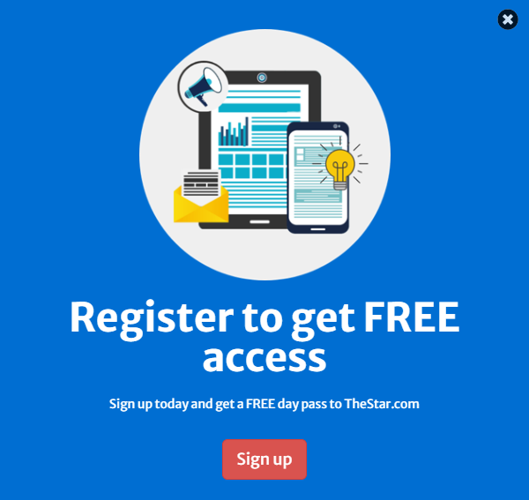
You can also run a free trial WITHOUT asking for a credit card. Although conversions from free to paid will likely be lower, this is a good way to collect emails by offering free access to registrants.
This method is tied to user registration and has a different procedure:
- Begin by creating a Free type service instead of Subscription.
- On the Configure tab:
- Enter the number of free days in the Duration field. If you choose one day, the user will get free access for one day. If you set this value to 0, the free access will never expire.
- On the Trial field, set a value of Yes, and set Auto Signup to No.
- Fill out the email notifications tab and complete the rest of the setup.
- Save the service, and take note of the ID in the upper-left hand corner.
To promote this type of free trial on Audience+ paywalls, landing pages or other promotions, you need to start by constructing a special URL. The key is the ?referer_url= parameter: this tells BLOX what page to send users to after they sign up for an account or log in.
Replace yoursite.com with your website domain, and replace the word number with the service ID you noted above.
Paste that link into Offer Builder (use Manual Link instead of start with a rate), promotional blocks, or emails!