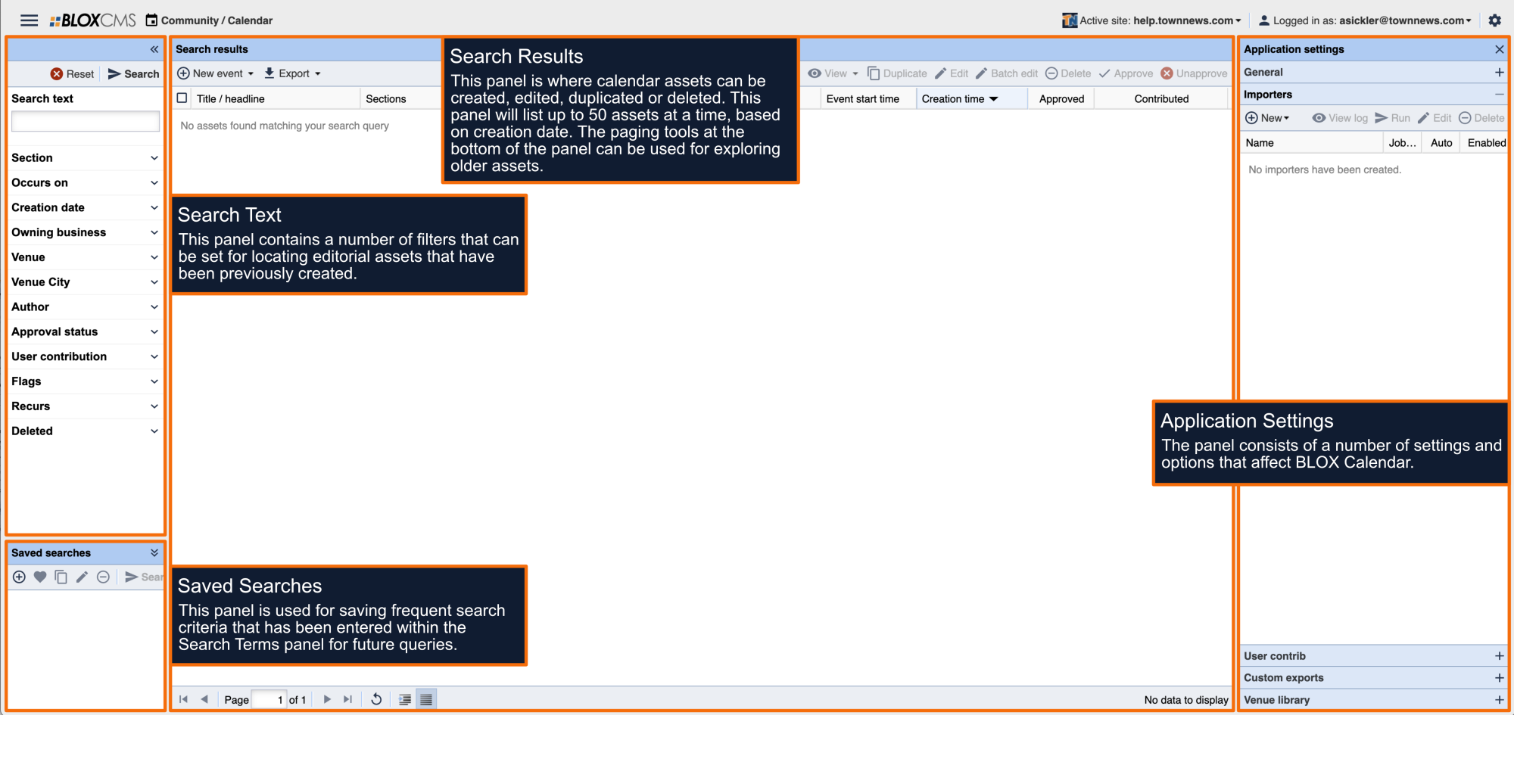
The Importers Calendar Application Settings are used to define an importer for importing calendar events from Evvnt.
Publisher ID/Domain: Publisher ID or domain for Evvnt feed.
API key: API key for Evvnt feed.
Importer name: The name used to identify the importer.
Property Import: Name to tag the importer to for searching later.
Update Mode: What to do when the event exists. Options include:
Replace: Existing events will be modified.
New: Existing events are overwritten.
Ignore: Existing events won't be touched.
Section Map: Use the drop-down menu to select the section map that should be used with the importer.
Disabled: Enable this option to disable the feed altogether.
Run automatically: Enable this option to allow the job to run automatically at the most appropriate times for the content it is processing. Jobs not set to run may still be ran manually.
To automatically assign keyword tag(s)s to imported events, select +Add and list the appropriate keywords.
Log email: The email address that will be notified after the importer runs.
Log Level: Use the drop-down to define the log level. Options include: Info, Fatal, Errors and Warnings.