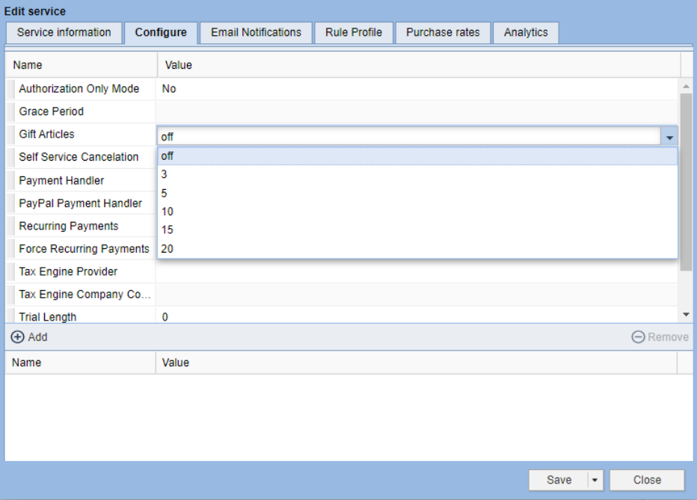
A BLOX Subscription Service with the Gift Articles parameter selected.
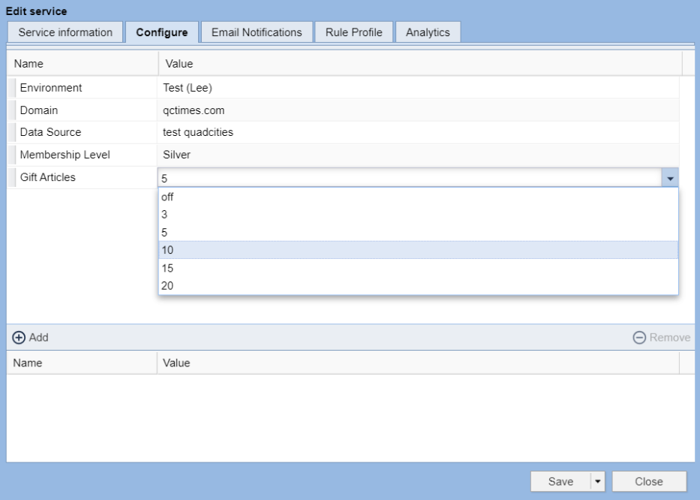
A Lee Falcon Subscription Service with the Gift Articles parameter selected.
How to set up Article Gifting
Introduction
Article gifting allows paid subscribers the ability to “gift an article” to non-subscribers for free, bypassing the paywall. This feature is available for all BLOX Service types except Free Services.
Article gifting is set up on each individual Service, giving you the ability to choose which Services can send gifts, and customize the number of gifts that subscribers can give based on their subscription level. For example, you could allow Platinum subscribers to give up to 20 gifts, and Digital Basic only 3.
Guardrails around this feature:
Each gifted article can only be redeemed once. If the email is forwarded or the link is shared on social media, only the first user that claims the gift will bypass the paywall.
The number of allowable gifts for each subscriber is reset at the top of each calendar month.
Gifted articles have a 30-day expiration. After that, the article is subject to the paywall.
Prerequisites
This feature is available exclusively to BLOX partners with Audience+ installed. Subscriptions Pro and BLOX Audience sites will need to upgrade to utilize this feature. For more information about BLOX Audience+, reach out to your sales rep or submit a support ticket.
How to
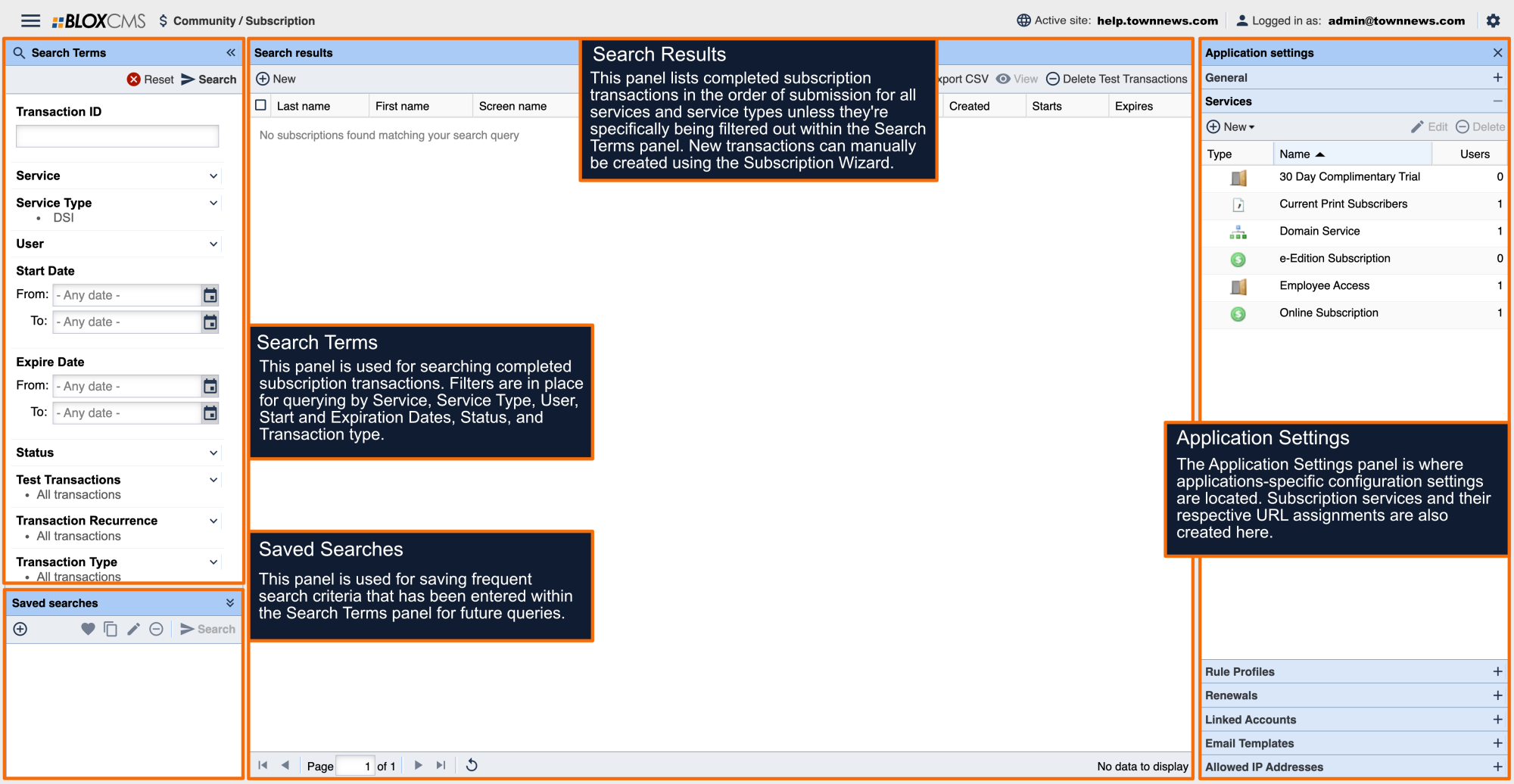
In BLOX Subscription, click the gear on the upper right to open Application Settings
Select Services
Double click on the Service you want to enable the feature on
Click on the Configure tab and look for Gift Articles
Click the dropdown next to “Gift Articles”
Select the number of articles the subscribers will be able to gift on this service
Values: off (default), 3, 5, 10, 15 or 20
Click Save
Click Close
Note: this feature does not require a rule to be set up in Access Control.
A BLOX Subscription Service with the Gift Articles parameter selected.
A Lee Falcon Subscription Service with the Gift Articles parameter selected.