What is BLOX e-Edition?
BLOX e-Edition is where e-Edition Publications are created and managed.
Set it and Forget it e-Edition publishing
BLOX e-Edition is designed to fully automate your e-Edition workflow and get your print publication online fast. e-Edition and Special Section publications can be setup with ease and once configured, BLOX completes the e-Edition publication-process for you. Simply transfer your single-page PDF files to your provided TownNews FTP directory and BLOX takes care of the rest.
NOTE: e-Editions are built using single page PDF files, so if your latest publication is 20 pages long it will require 20 individual PDF files.
Interface Overview
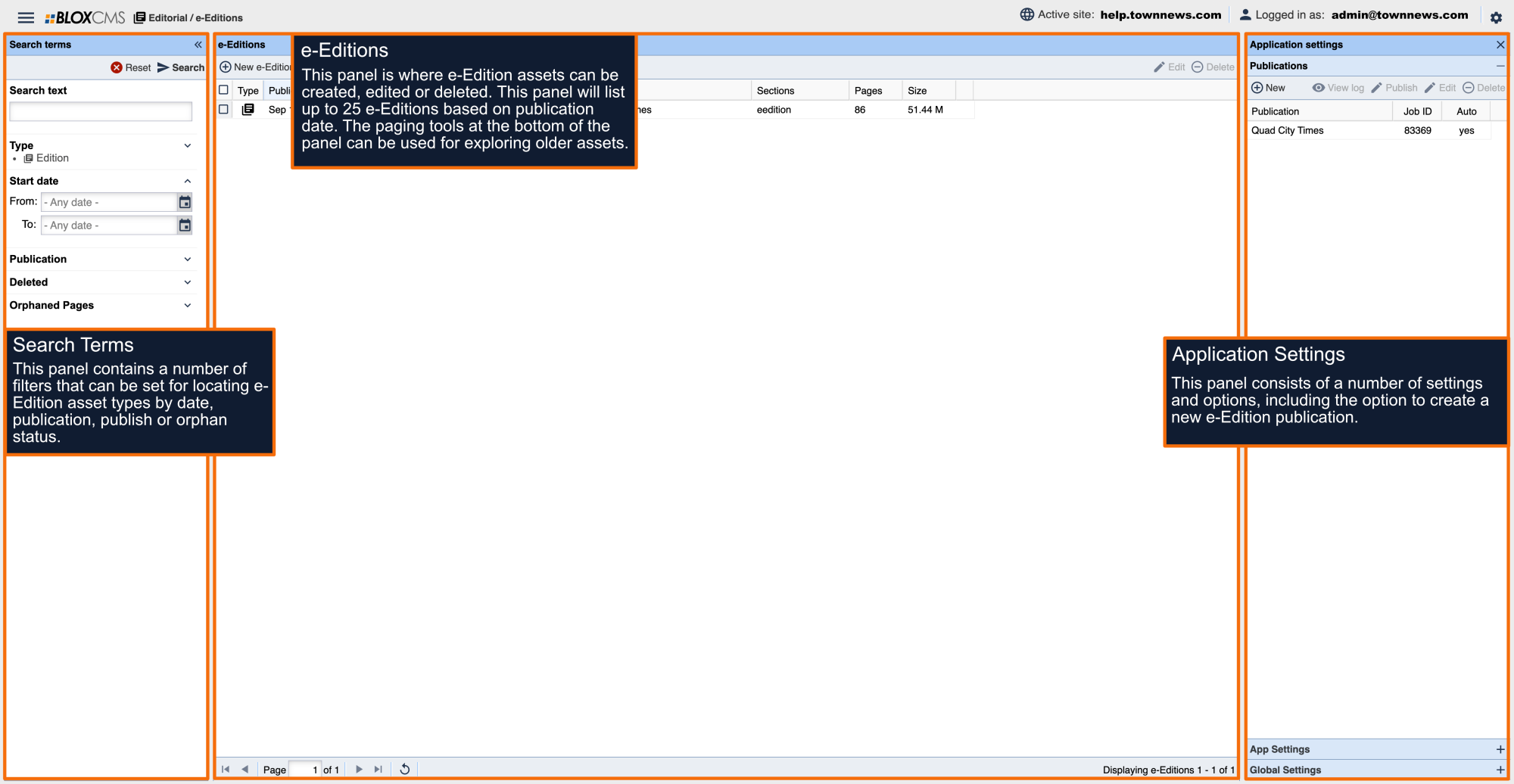
The BLOX e-Edition interface consists of 3 panels:
Search Terms panel: This panel contains a number of filters that can be set for locating e-Edition asset types by date, publication, publish or orphan status.
e-Editions panel: This panel is where e-Edition assets (or issues) can be created, edited or deleted. This panel will list up to 25 e-Editions based on publication date. The paging tools at the bottom of the panel can be used for exploring older assets.
Application Settings: This panel consists of a number of settings and options, including the option to create a new e-Edition publication.