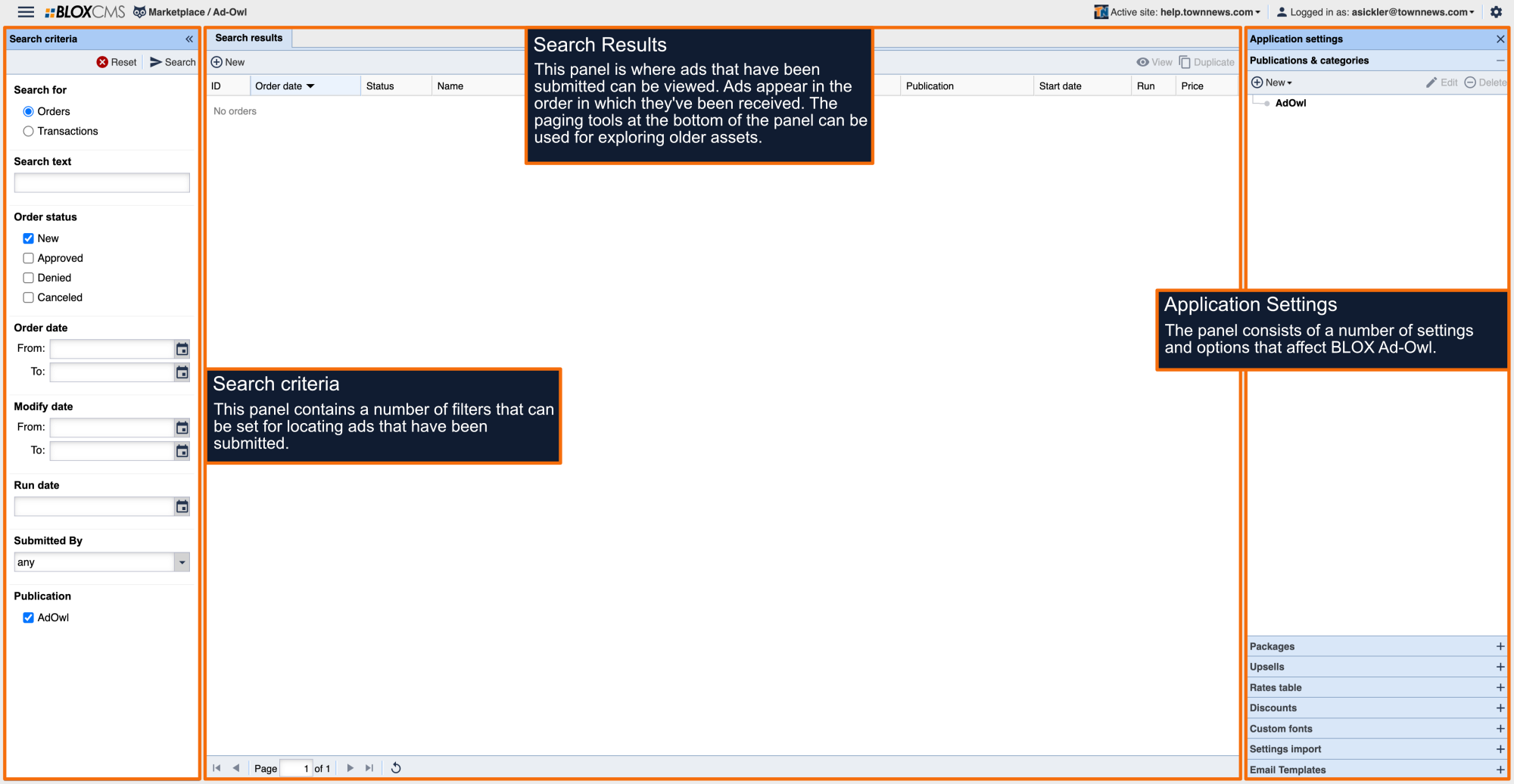
Ad-Owl orders are primarily completed directly on the site, but orders may also be placed directly within Ad-Owl on behalf of a user.
Within the Search Results panel, select +New. This will populate a New Order window where the order details can be completed, starting with the Ad-Owl Publication.
Selections are made within the main panel, while the steps within the ad-creation process are listed along the left within the Steps panel. To get started, select the desired Publication and then select Next. If only one Publication is available, this step will be pre-selected. Completed steps will be bolded and identified with a checkmark.
Select the desired Category and Package. If there is only one Package available, this step will be completed for you.
Complete the ad details for Print Content. (when applicable)
Complete the ad details for Online Content.
Select any upsells to apply to the ad.
Multiple upsells may be included. Paid upsell pricing will be reflected within the Order Details panel in the right-hand corner.
Define ad start dates and run length in days.
Associate a user to the ad. Users must have a valid email address and phone number to complete this step.
Review the order details for accuracy.
Complete the payment details. For non-credit card orders, enable the Bill me later option. Test orders can be defined by enabling the included option. Proceed with the transaction by selecting Save and Submit in the bottom of the panel.
The new transaction will be available within Ad-Owl, while the ad asset will be available within BLOX Classifieds. Any changes to the ad must be completed within the Classifieds asset.