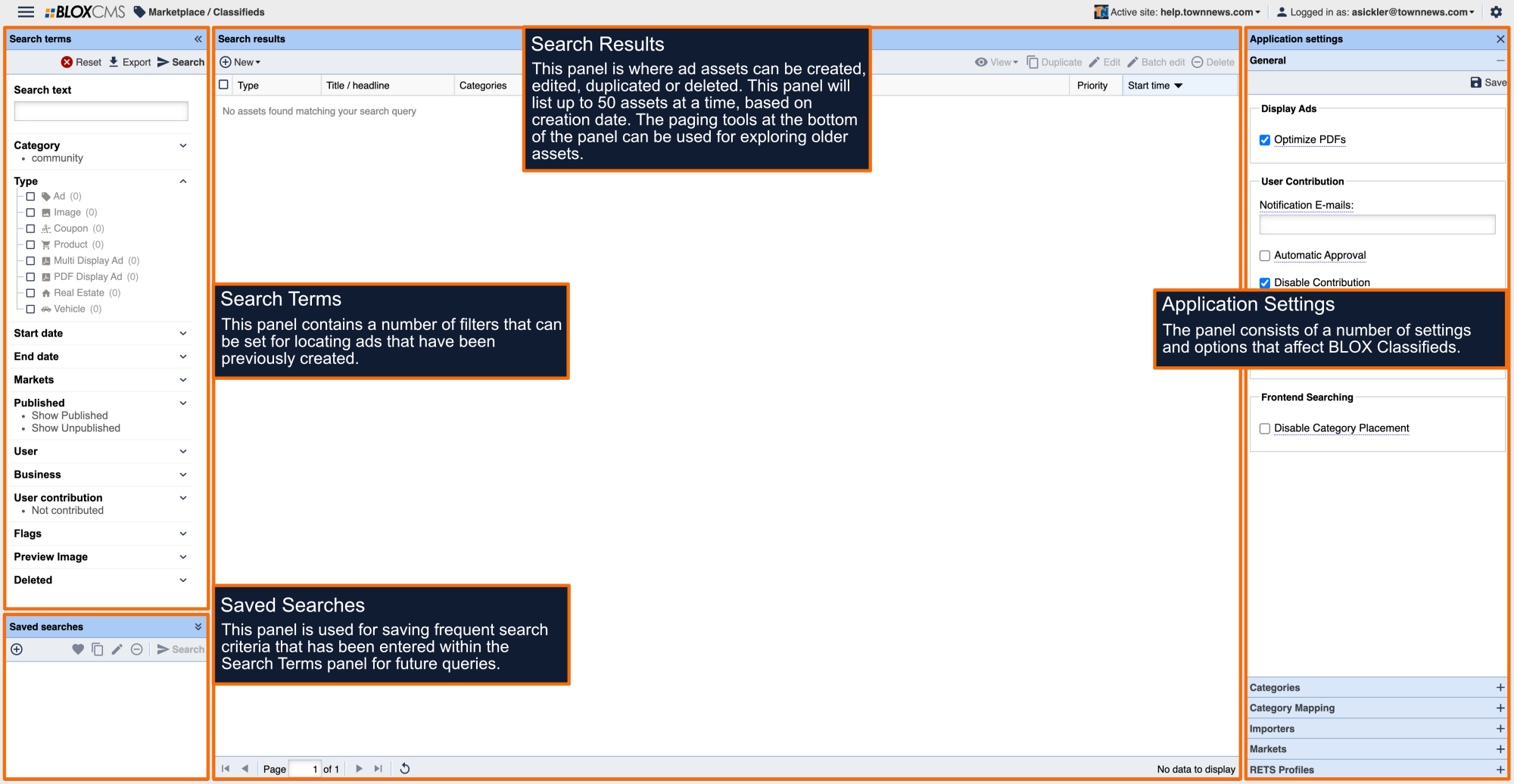
The Market Classified Application Settings are used to define the market(s) within the site that will be used by BLOX Classifieds.
What are Markets?
A market is the audience where BLOX Classifieds will be viewable to your readership. By default, Classifieds is configured for a single market, located at domain.com/classifieds. This setup provides a complete classifieds experience, however multiple markets may be setup for targeting ads to different audiences for enhancing the user-experience.
For example, a large city feature different markets to represent each of the major suburbs for creating a more granular and improved user-experience.
Markets can also be used for promoting specific products, such as Auto and Real Estate verticals.
Market requirements
As noted above, Classifieds is setup by default on the domain.com/classifieds URL. For each additional market, a new Classifieds setup will be required on an additional URL using the Classifieds skin. This will approach allows ads to cleanly be separated between audiences, along with the freedom of branding the new URL differently.
How to add a new market
To add a new market, select +New within the toolbar. Next, within the Market Editor panel, provide a name and select a market URL using the drop-down menu and then select Save. Only URLs using the Classifieds URL skin will be able for selection.