
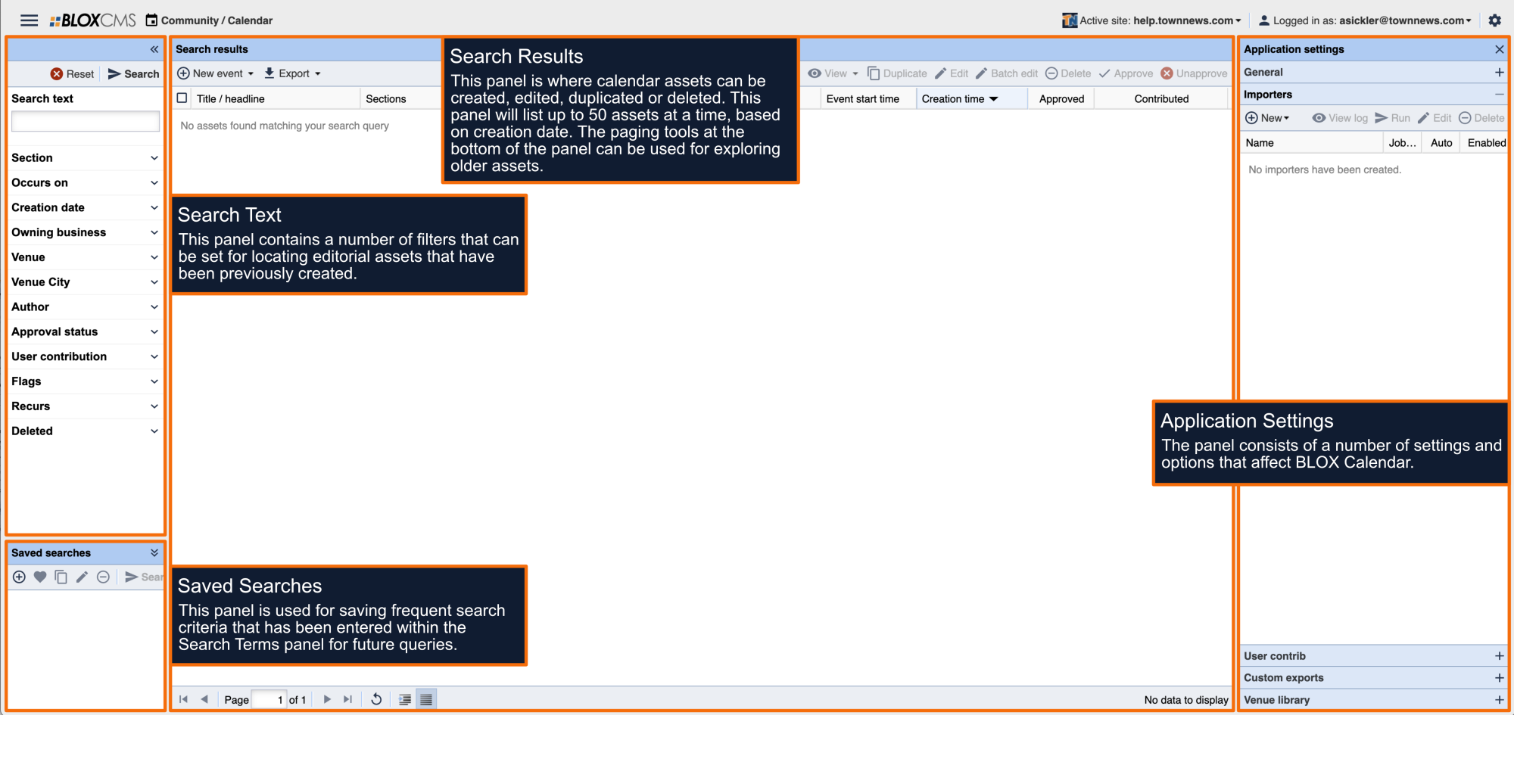




To be able to use your Evvnt assets as a child assets in BLOX, you will need to set up an importer to bring them in.
- Get your Evvnt API key.
- Open the BLOX Calendar application.
- Open Application settings
- Choose Importers
- Under New, you will see an Evvnt option. Click on that button.
- Paste in your API key from Evvnt
- Click Save.