The Save button provides editors the ability to perform draft saves on the open asset. The Publish / Update options allow editors to update the Publication date and set the ‘Do not publish’ flag in addition to a couple other options. The View Options allow the editor to preview the asset or view it’s current live view.
Frequently asked questions related to the Content Management application.
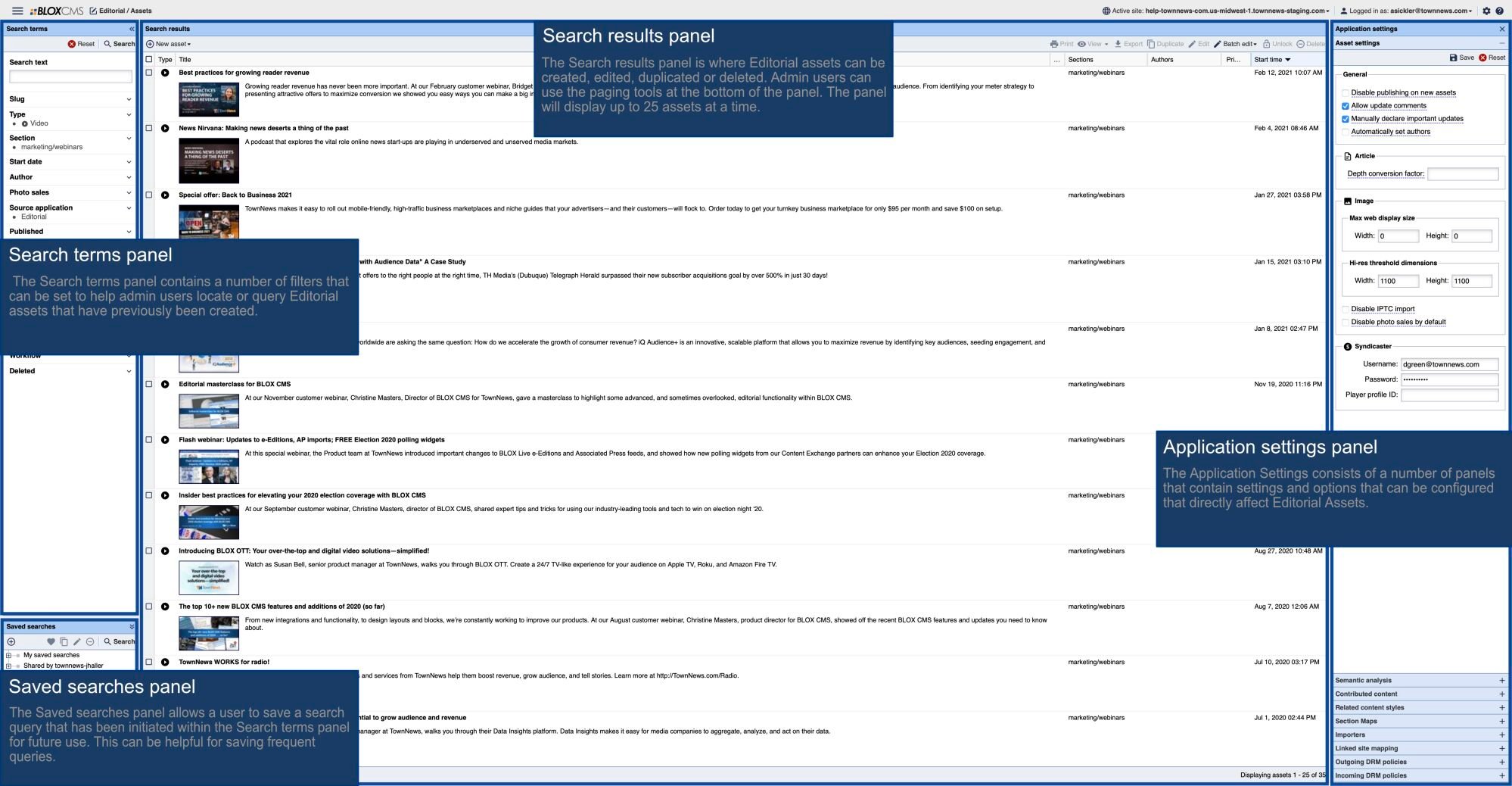
This overview describes the various areas of the Asset Interface within Content Management, including the Application Navigation, Create Shortcut button, Breadcrumb Navigation, Publish, Save, and View Options, Content Overview Panel, Content Details Panel, Article Toolkit Panel, Asset Information, and Article Statistics.
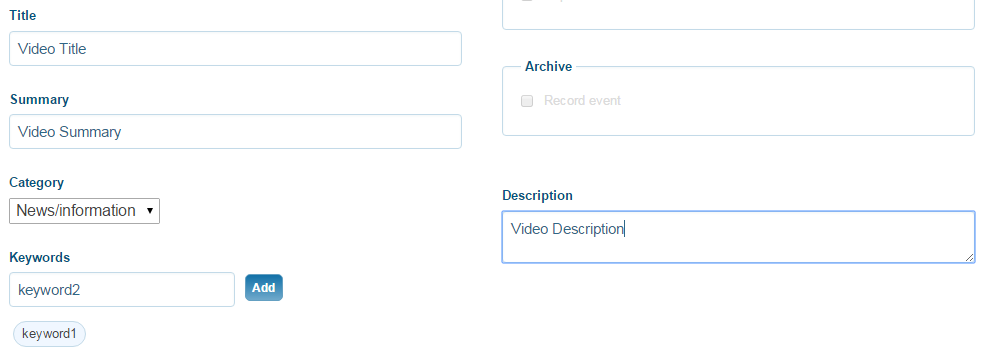
This article details how users can schedule and publish their live streams in BLOX VMS.
This article details how users can create a Live Channel containing multiple live stream events into a single live stream player. Through Live…