



Creating a new ad region is a straightforward process.
From
To

Ad Regions, sometimes referred to as Ad Positions, are where your Banner Ads will be placed on the page.
Vertical Photo Galleries is a Presentation option within Collection Assets. When this is used in conjunction with the In-Story Automatic ads, where each image is treated as if it were a paragraph in an article.

The Sticky Anchor ad is a Utility Region that 'sticks' to the bottom of the page in all view port sizes (mobile friendly). Ads work particularly great in this region because the stickiness of the region, places the ad in all view portions of your site, improving Viewability.
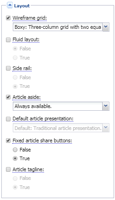
The Sticky Side/Right Rail ad are special Regions which “follows” the reader down the page as the user scrolls, as long as there is room (content on the page).
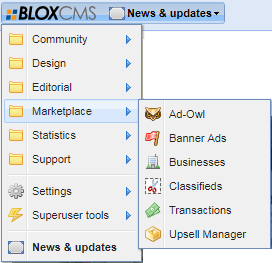
Sticky Ad Positions are positions that work using the BLOX CMS Utility Regions. These Sticky Ads will stay positioned on the screen until the user scrolls to the end of the article.
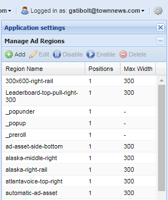
In-Story Automatic Ads, are ads that are positioned in the flow of the story. How often they show up is determined in how you set them up. This document will walk you through setting up In-Story Automatic Ads. The settings that are used determines the number of paragraphs before the first ad will appear.

In the event that you want to preview an ad that you have placed on your site, as opposed to the grey Ad information, you will need to use the debug tool. This will work to show previews of both ads in fixed positions and those that are block-based.