blox nxt

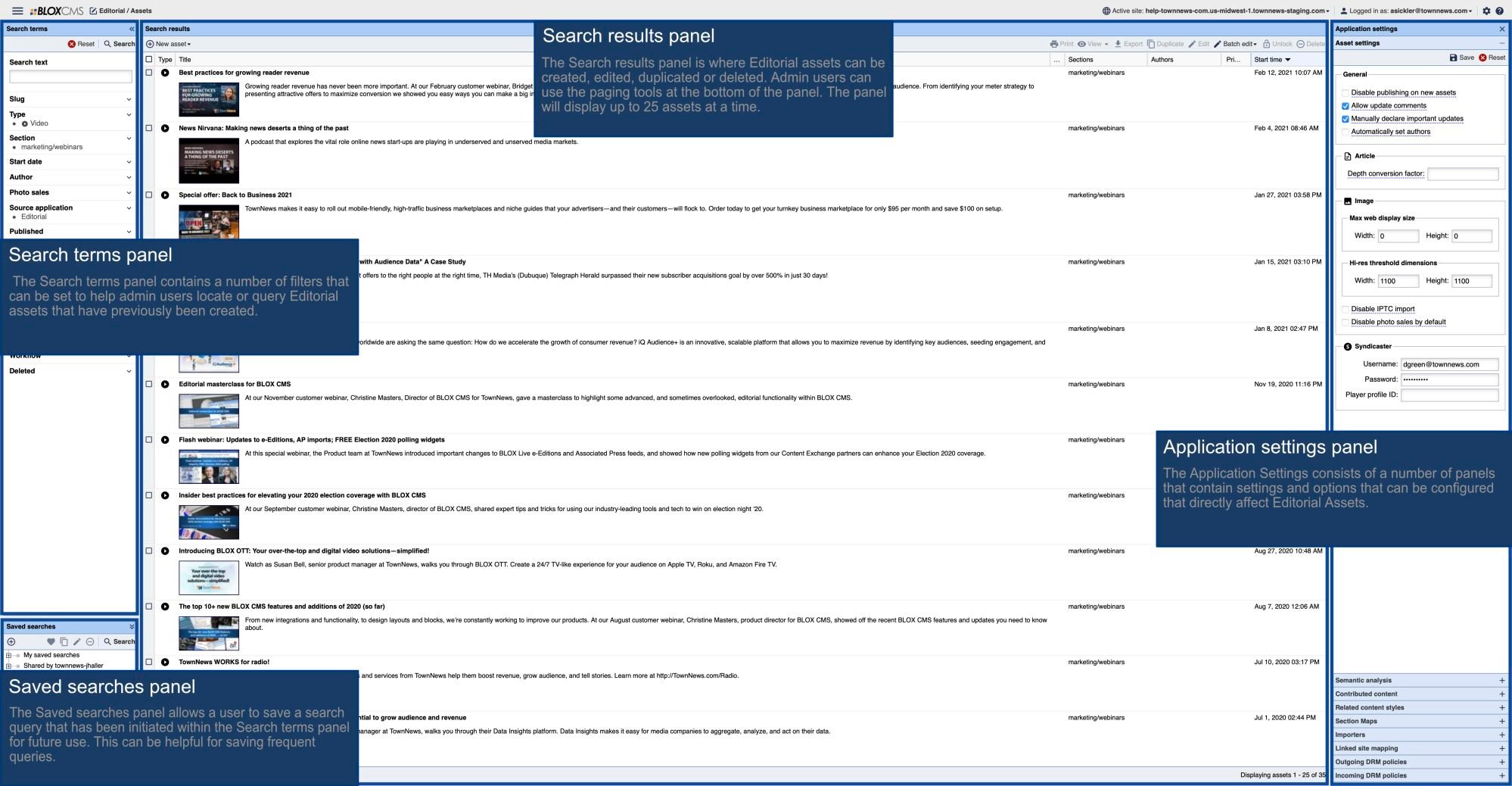
Content Management Settings provide administrators a centralized location to toggle features on or off for an entire site so they may be aligned with your content management preferences. The settings are divided into sections for organization. The following is meant to provide an overview of the available Content Management Settings, including AI Settings and Related Content Styles.

blox nxt
  • Updated

The Article Content Panel within the Content Details Panel is where the main body copy of an article may be composed. It contains a WYSIWYG Rich Text Editor and has multiple features and options to assist the creation of the article content including Collaboration, a Formatting PaletteContent AssistantAsset Placeholders, an Insert Action Button, and a Floating Action Menu along with corresponding Keyboard Shortcuts.

blox nxt

The Article Toolkit Panel is designed to enhance the content creation and management process. It offers quick access to several key features, allowing editors to efficiently find, insert inline, and manage related media via Relationships (‘link’ icon) and Asset Library (‘books’ icon) Tools respectively, diagnose article content quality via the Assistant (‘sparkle’ icon), and view and respond to internal comments via the Comments Tool (‘speech bubble’ icon).