



The BLOX Total CMS drop-down menu provides the integration between BLOX Total CMS and Adobe InDesign. There are many functions, including creating templates and pages, saving and retrieving snippets, preventing assets from saving back into BLOX Total CMS, and placing stories.
From
To
BLOX Digital is thrilled to introduce Automated Production, a new addition to our BLOX Total CMS suite. This solution transforms how our partn…
Cross Domain Clone is an advanced feature of BLOX Total CMS that allows the replication of assets across different domains using BLOX Site Tags.
BLOX Total CMS is evolving to meet the growing demands for efficient multi-domain publishing workflows by introducing Cross Domain Clone to Sh…

With the 1.2.0 app release, we bring a new way to promote your notifications. This new feature allows you to associate notification topics to …
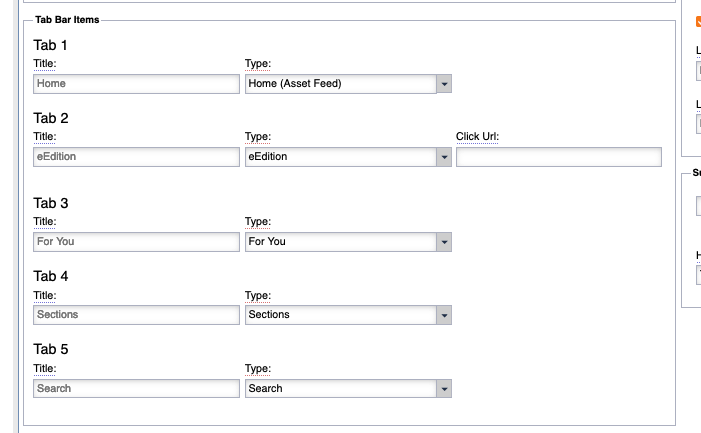
If you do not use TownNews’ e-Edition and wish to display a web version of your e-Edition in the tab bar as a quick selectable item follow the…

In this release of Page Tracker for BLOX Total CMS, we have included the addition of Zones to Budget View, as well as further enhancements to our existing features.

BLOX Total CMS for Adobe InDesign users frequently want toned CMYK or Black and White images for use in print. If an image asset is going to be used repeatably, the smartest solution is to tone once and store the toned copy with the original image asset.
This article outlines how to upload a toned Print Ready Color or Print Ready Black and White image to the BLOX asset.